








Description
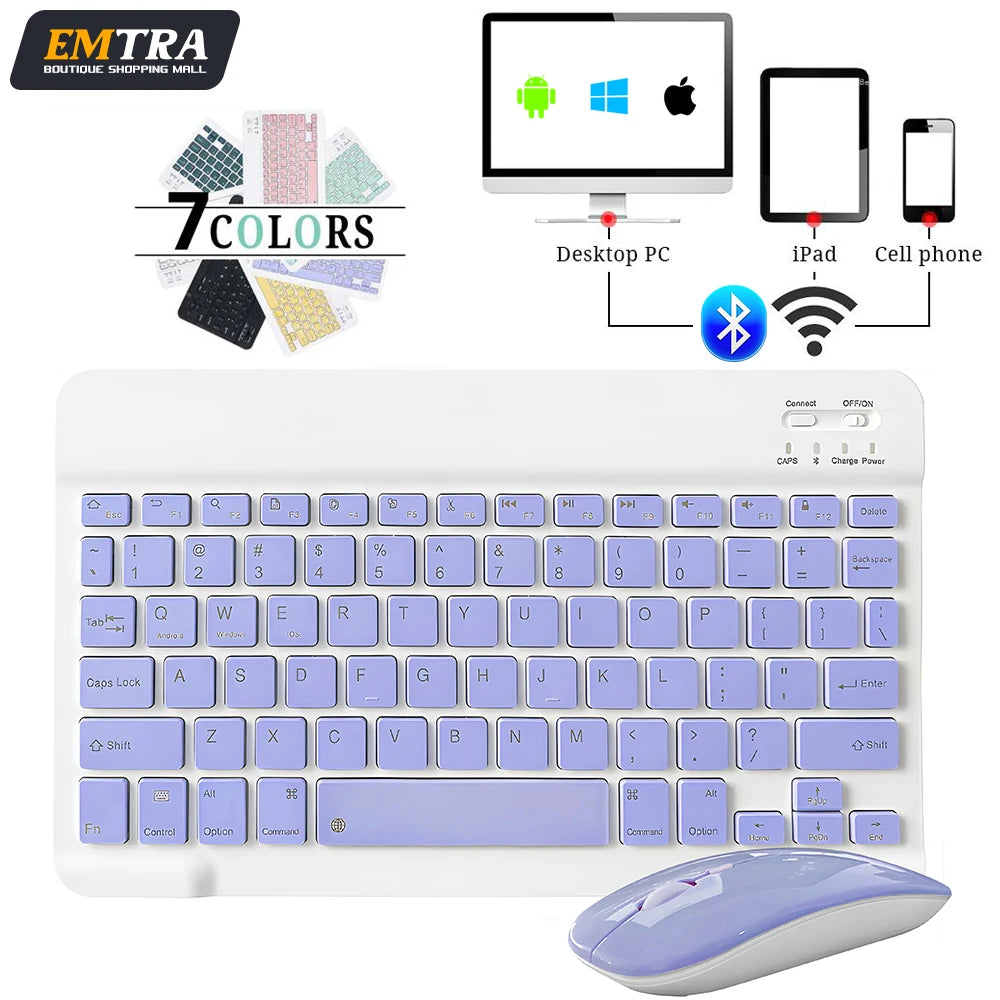
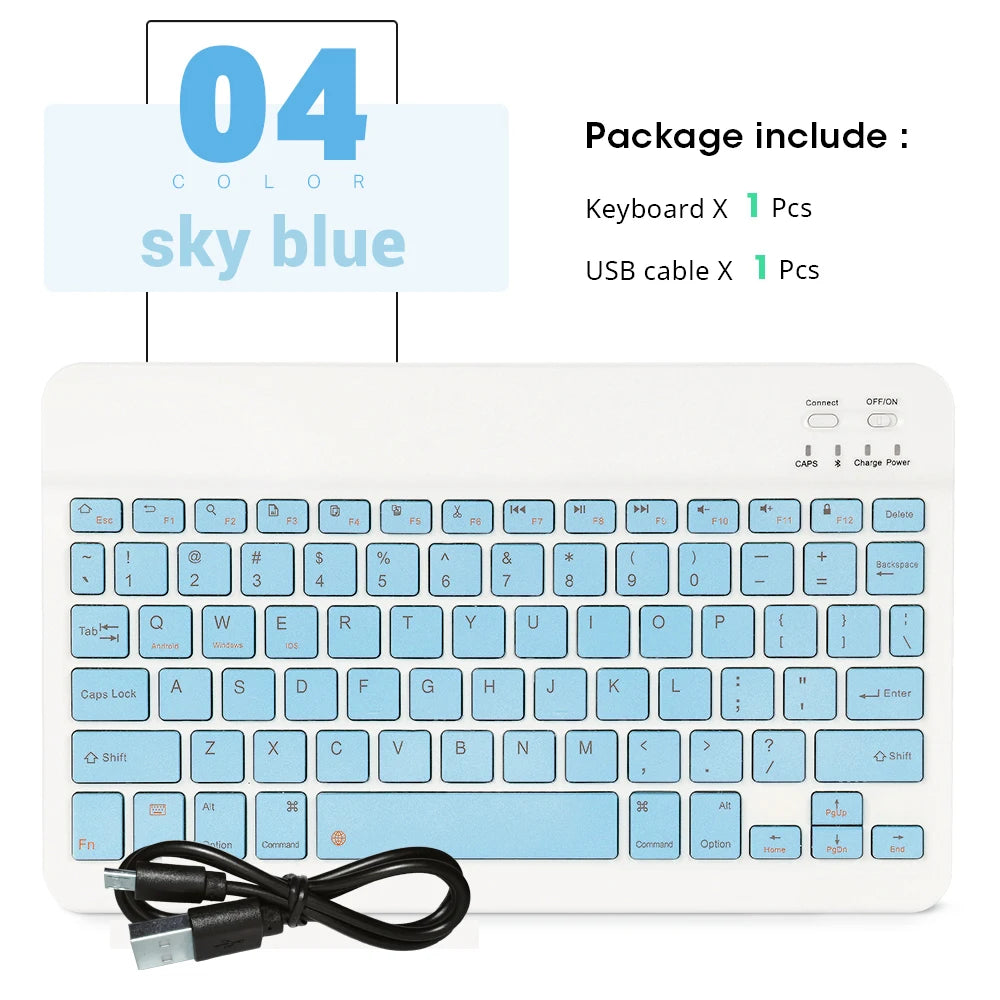
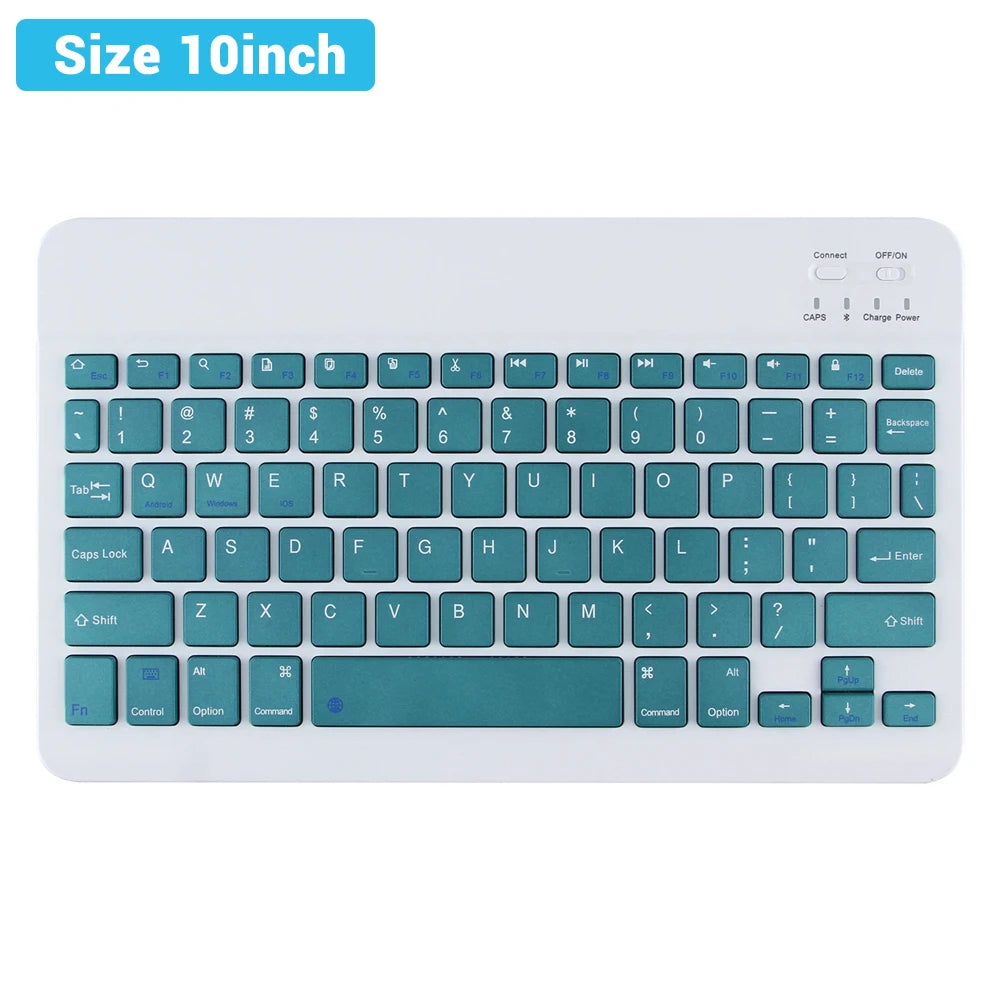
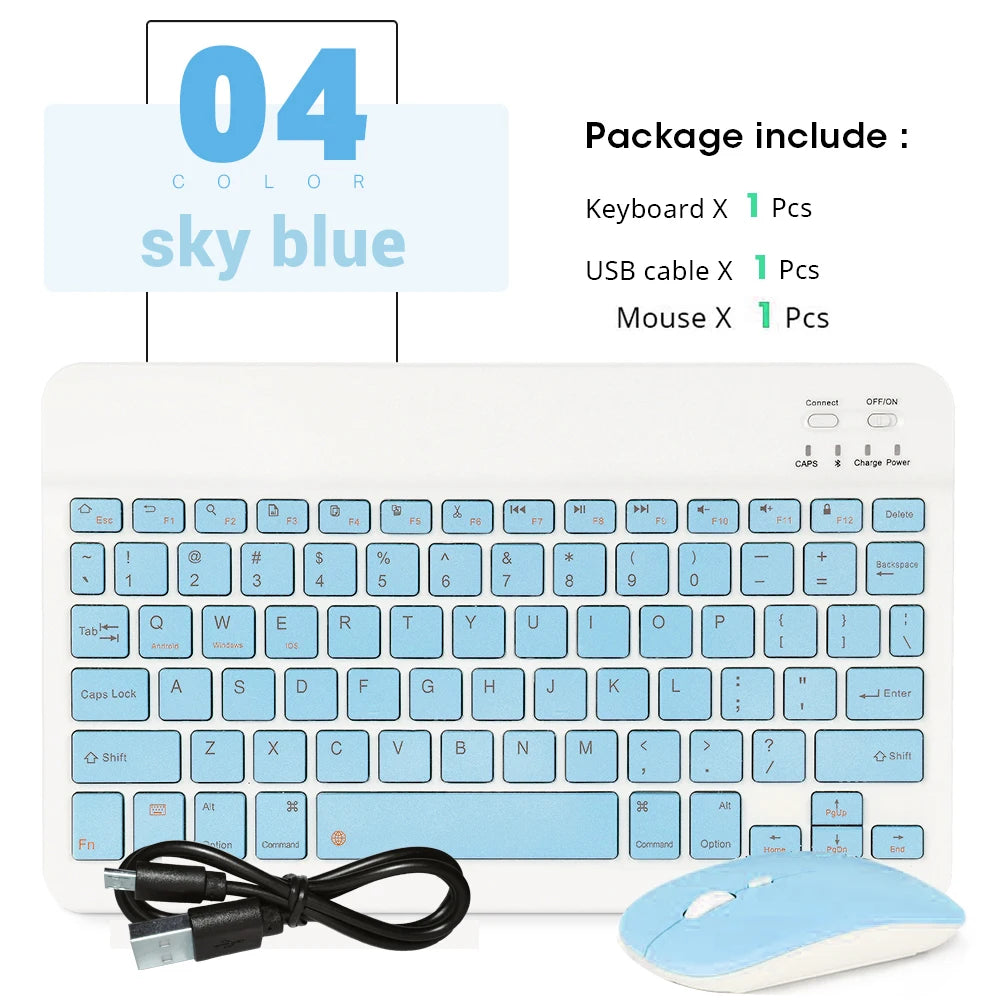
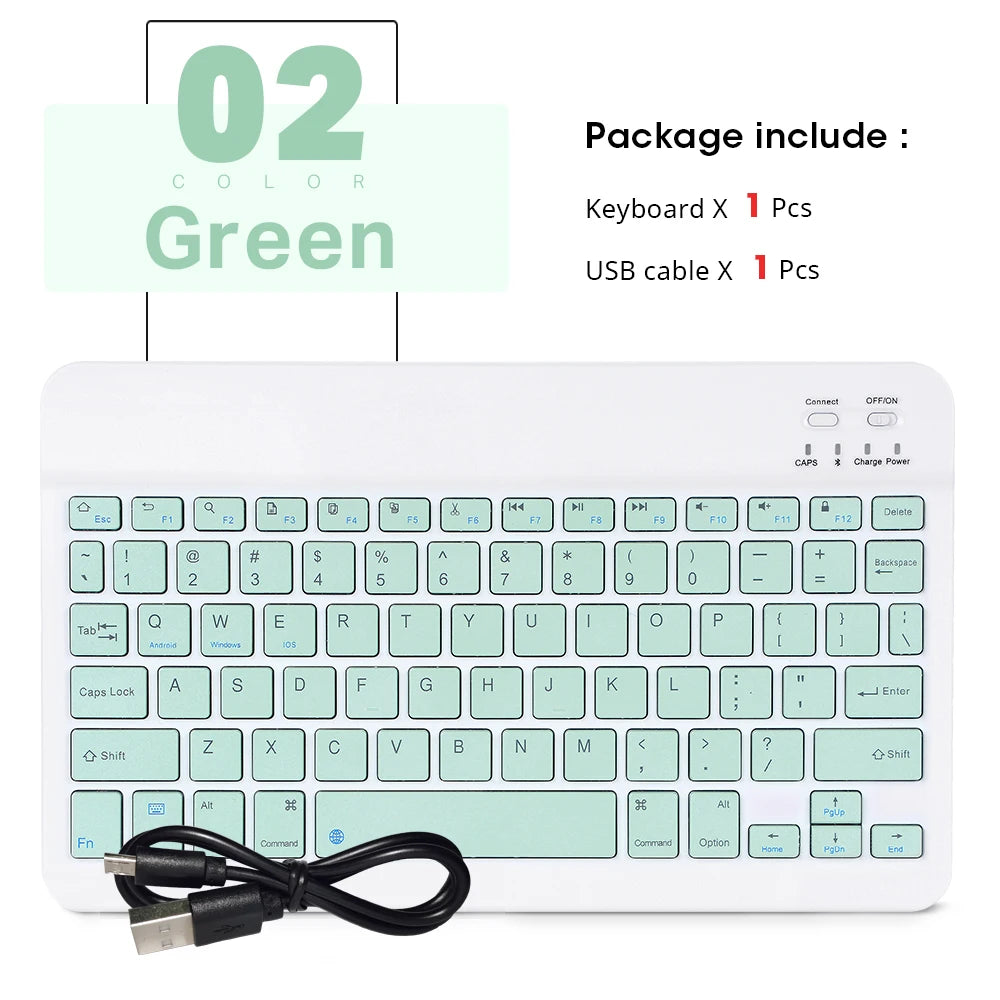
Compact, travel-ready typing for every device. This mini wireless Bluetooth keyboard and mouse combo delivers quiet low-profile keys, long battery life, and broad compatibility with iPad, iPhone, Android tablets, Mac and Windows devices — perfect for remote work, travel, and on-the-go productivity.
Specifications:
- Battery Included: Yes
- Certifications: CE, EAC, FCC, RoHS
- Model Number: bluetooth mouse keyboard
- Languages: Arabic, Portuguese, Spanish, English, Russian, German, Japanese, French, Korean
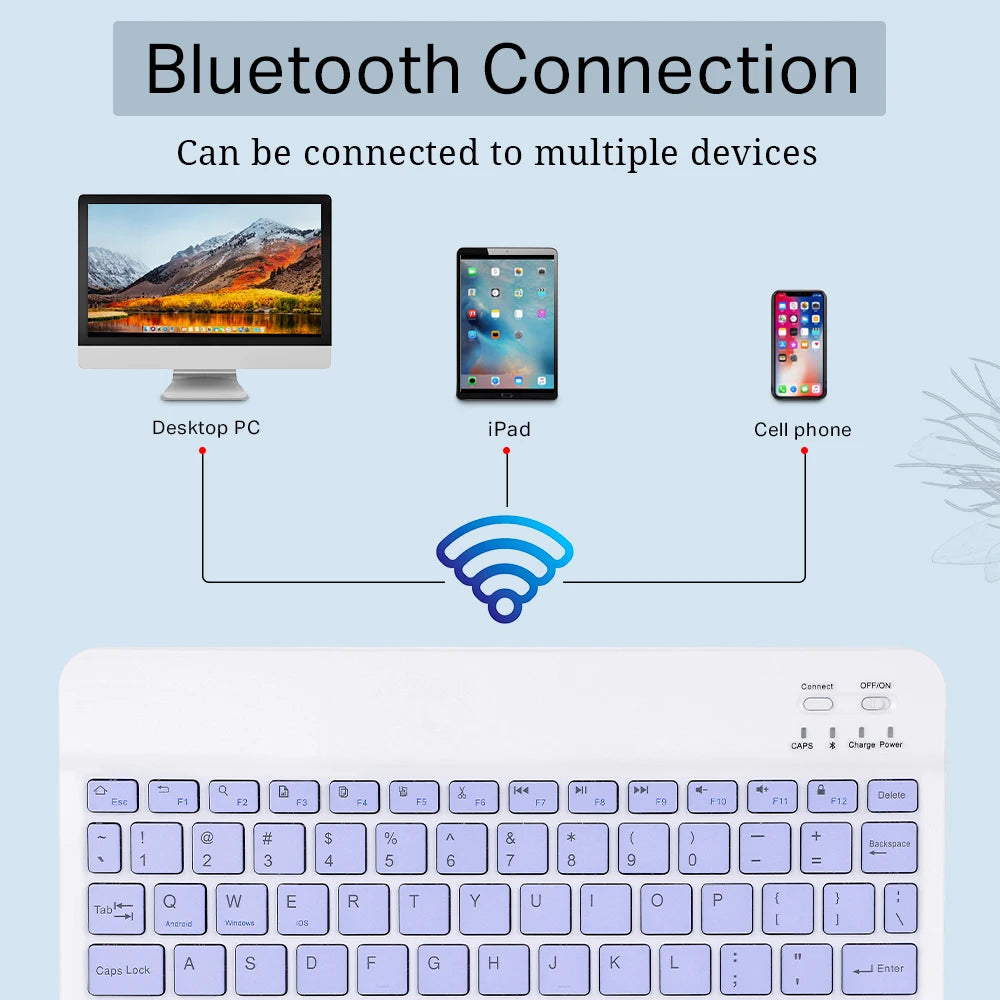
- Compatibility: iOS, Android, Mac OS, Windows — works with iPad, iPhone, Bluetooth-enabled tablets, laptops, mobile phones and smart TVs
- Connectivity: Bluetooth for keyboard; mouse supports Bluetooth and 2.4GHz USB receiver (receiver not included)
- Operating Range: Up to 10 meters (≈32.8 ft)
- Power & Charging: Built-in rechargeable lithium battery, charges via USB cable
- Standby Time: Up to ~6 months (typical standby)
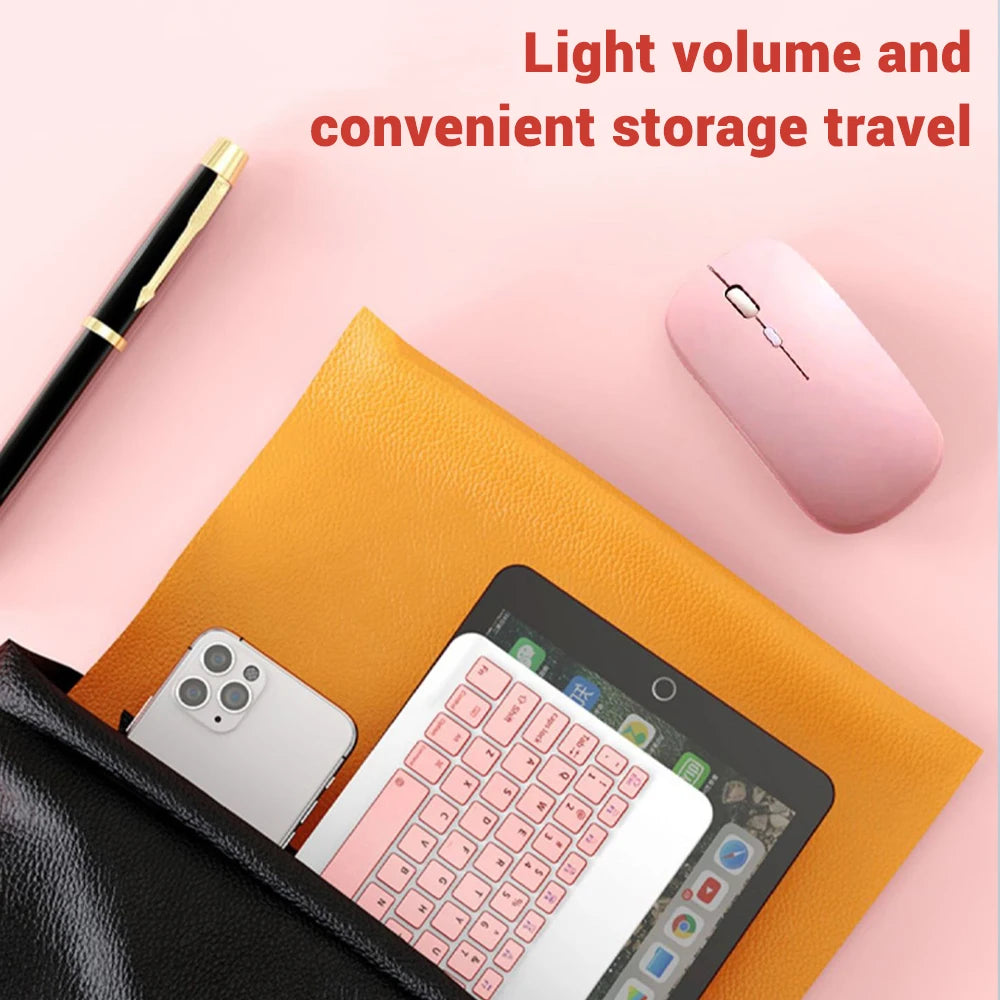
- Design: Ultra-slim, lightweight and portable with low-profile whisper-quiet keys
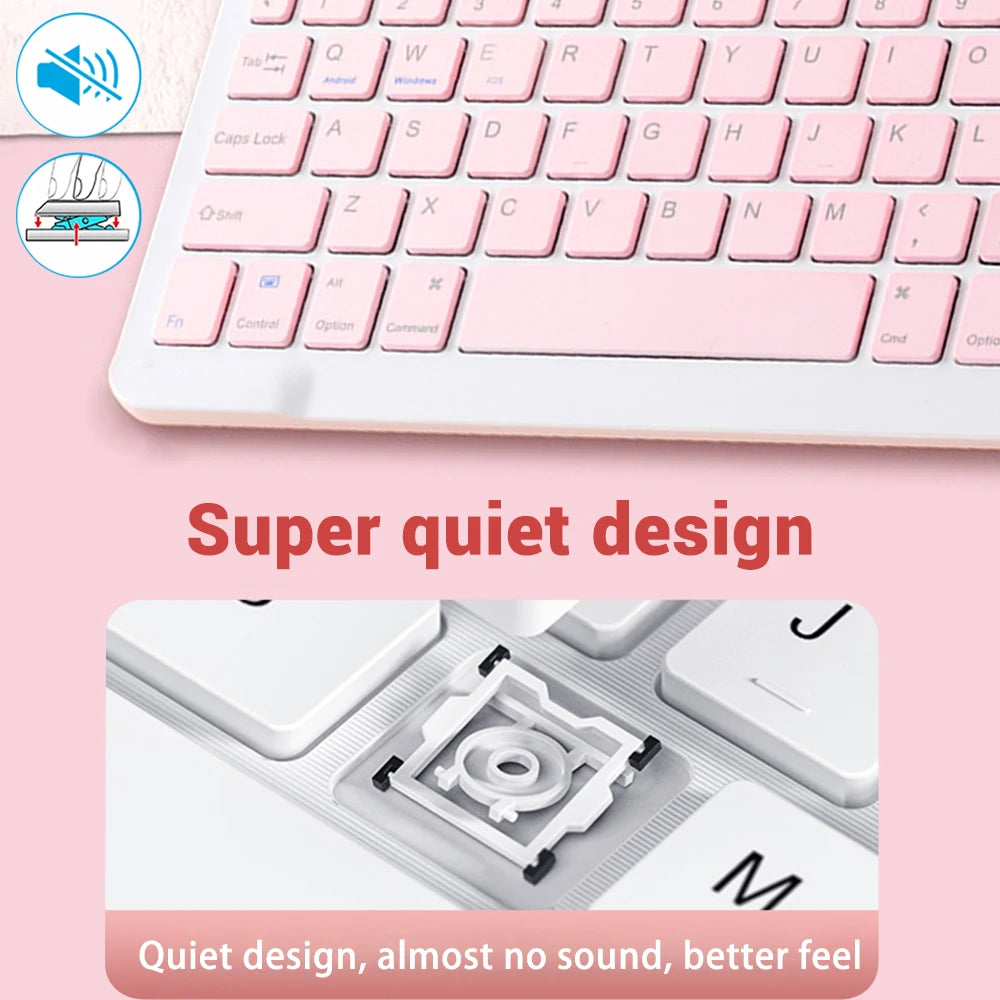
- Special Features: Auto sleep mode to save power, media hotkeys, quiet typing with ~99% noise reduction
Quick Features: Portable Bluetooth combo, rechargeable battery, stable 10m wireless connection, low-noise typing, multi-language support, and easy media controls for productivity and media playback.
How to Connect:
- Keyboard: Turn on keyboard, press and hold the connection key ~2 seconds, enable Bluetooth on your device, select "Bluetooth keyboard" from available devices.
- Mouse (Bluetooth): Turn on mouse, enable Bluetooth on your device, select "BT mouse" from available devices.
- Mouse (2.4GHz): Plug a compatible 2.4GHz receiver into your device USB port (receiver not included) and pair if required.
#WirelessKeyboard #BluetoothAccessories #FanzyMarket