








Description
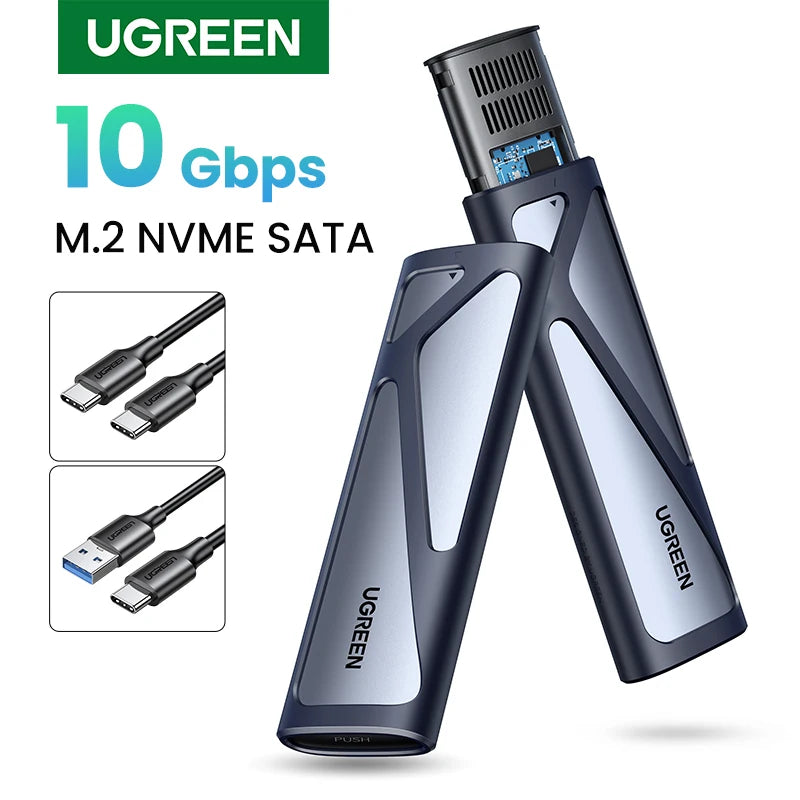
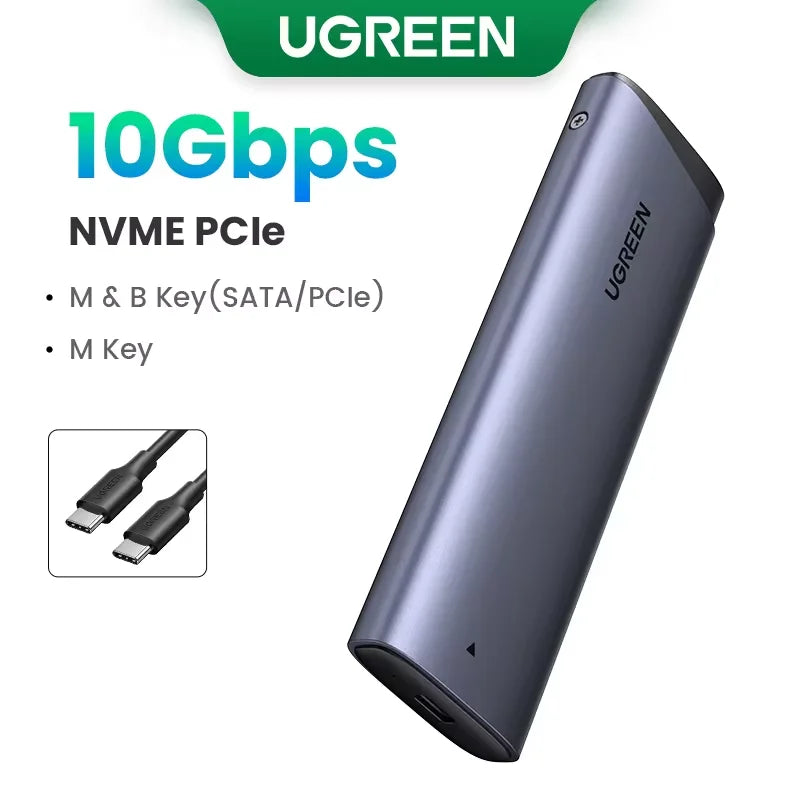
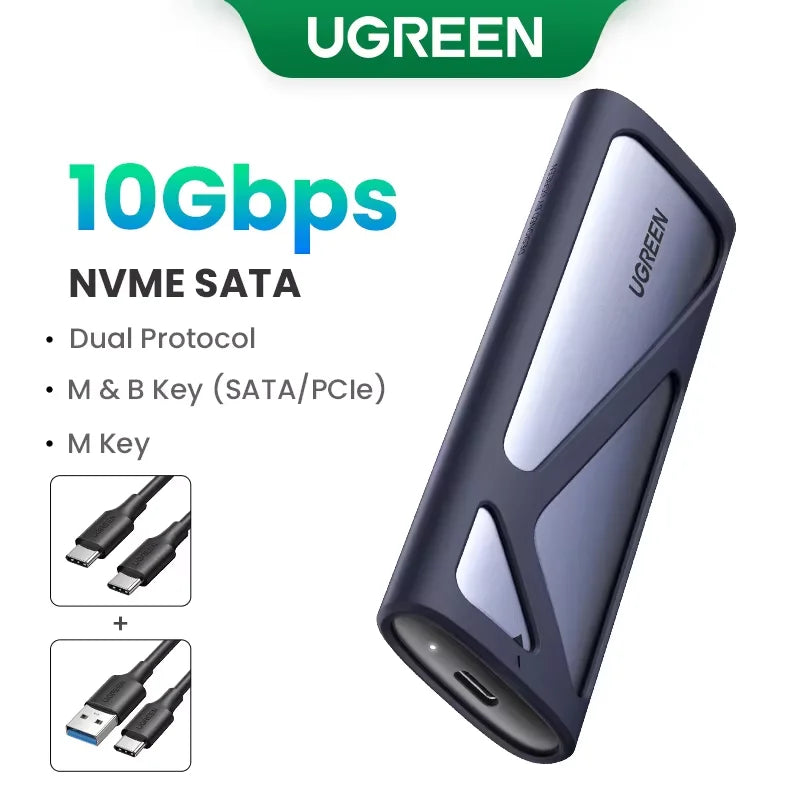
Portable powerhouse: This aluminum M.2 NVMe/SATA SSD enclosure delivers tool-free installation, USB-C 3.2 Gen2 10Gbps transfers and wide device compatibility for fast, pocketable external storage up to 8TB — ideal for backups, media editing, and on-the-go data transfer.
Specifications:
- Product Name: M.2 NVMe/SATA SSD Enclosure
- Case Material: Aluminum alloy + ABS plastic + Silicone sleeve
- Color: Silver
- Compatible M.2 Sizes: 2230 / 2242 / 2260 / 2280 (22×30 / 22×42 / 22×60 / 22×80 mm — 0.87×1.18 / 0.87×1.65 / 0.87×2.36 / 0.87×3.15 in)
- Supported Capacity: Up to 8TB
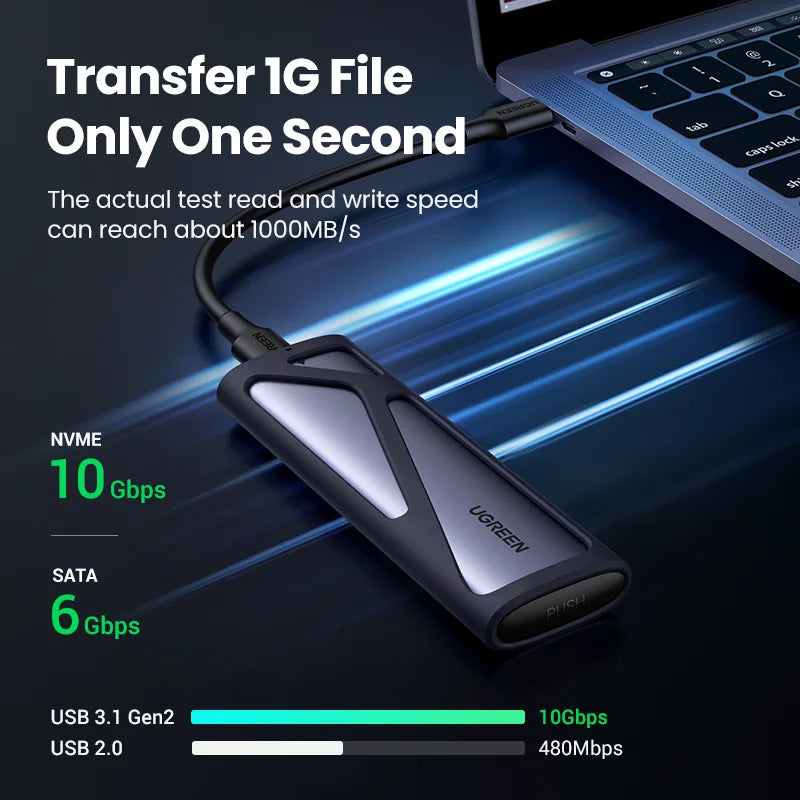
- Transmission Speed: Up to 10Gbps (NVMe) / 6Gbps (SATA); typical tested read/write ~1000 MB/s
- External Interface: USB-C Gen2 (USB 3.1/3.2 Gen2)
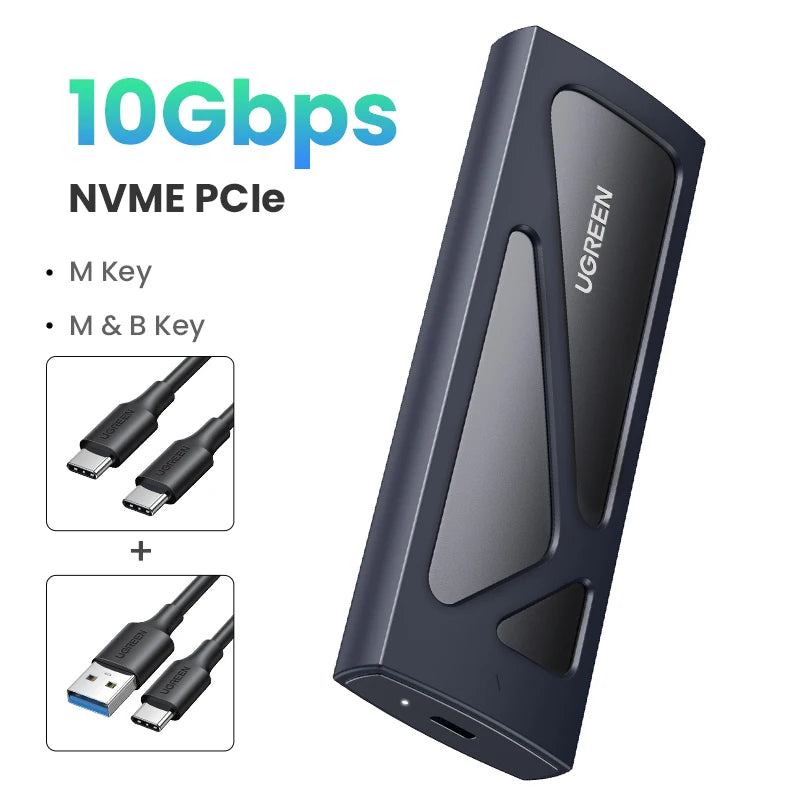
- Supported Protocols: NVMe (M-key) and SATA (M & B-key) — dual protocol
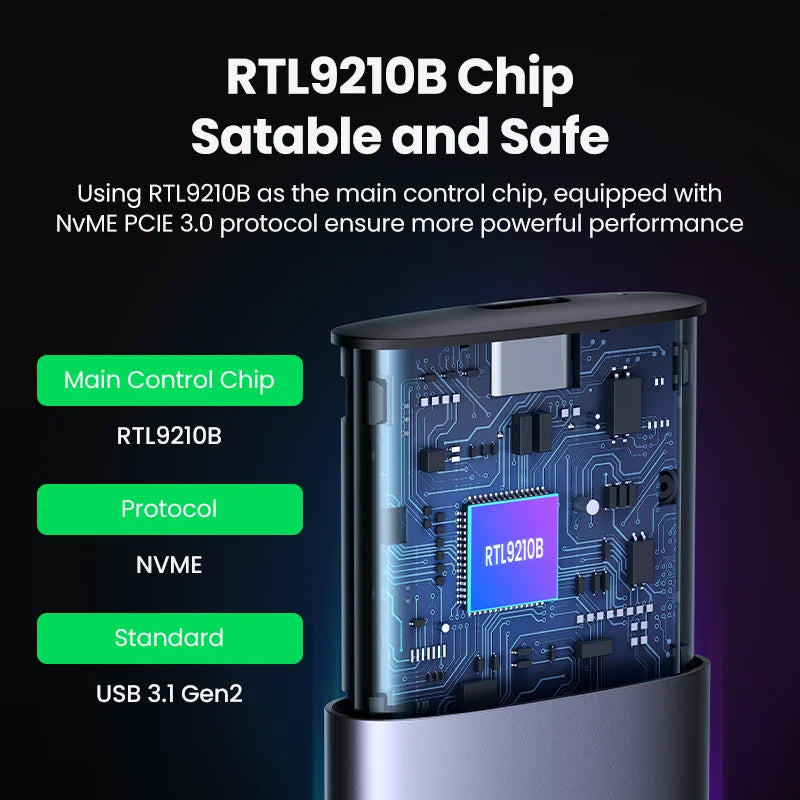
- Main Controller: RTL9210B (stable NVMe/PCIe 3.0 performance)
- Installation: Tool-free slider design with secure clip lock
- System Compatibility: Windows, macOS, Linux, Android, iOS (plug and play, no drivers required)
- Included Cables: USB-A to USB-C 0.25 m (9.8 in) and USB-C to USB-C 0.5 m (19.7 in)
- Features: LED status indicator, silicone protective sleeve, slim pocket-sized aluminum body, 15-minute smart sleep mode
- Package: Retail box with accessories
Expand storage, create fast portable work drives, or carry large media libraries with confidence. The slim aluminum body provides efficient heat dissipation while the silicone sleeve adds shock resistance for travel. Quick tool-free setup gets you running in seconds and broad OS support ensures plug-and-play convenience.
Hashtags: #SSDEnclosure #PortableStorage #FanzyMarket
Safety Notes:
Use only certified USB cables and power sources. Avoid exposing the enclosure to moisture, extreme temperatures, or strong impacts.
Always safely eject the SSD from your operating system before unplugging to prevent data loss or drive damage.
Keep out of reach of children; small parts may pose a choking hazard.