





Description
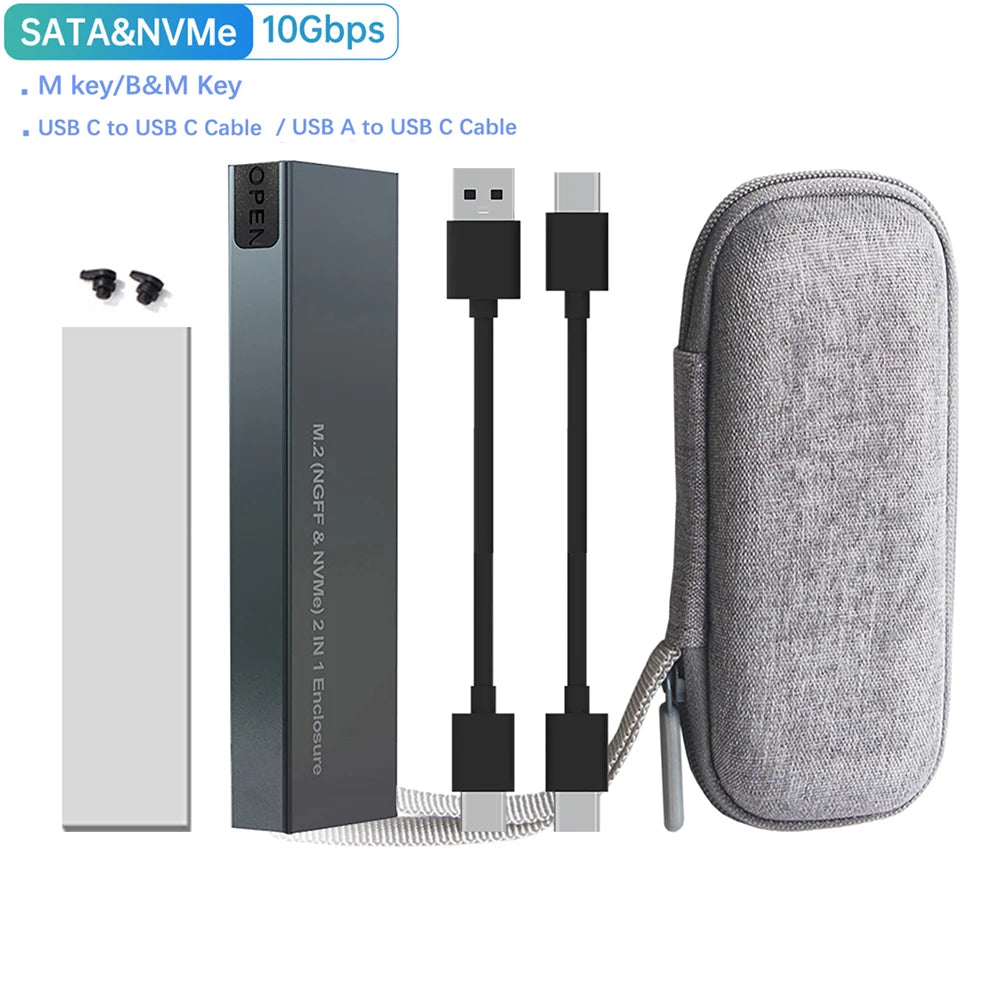
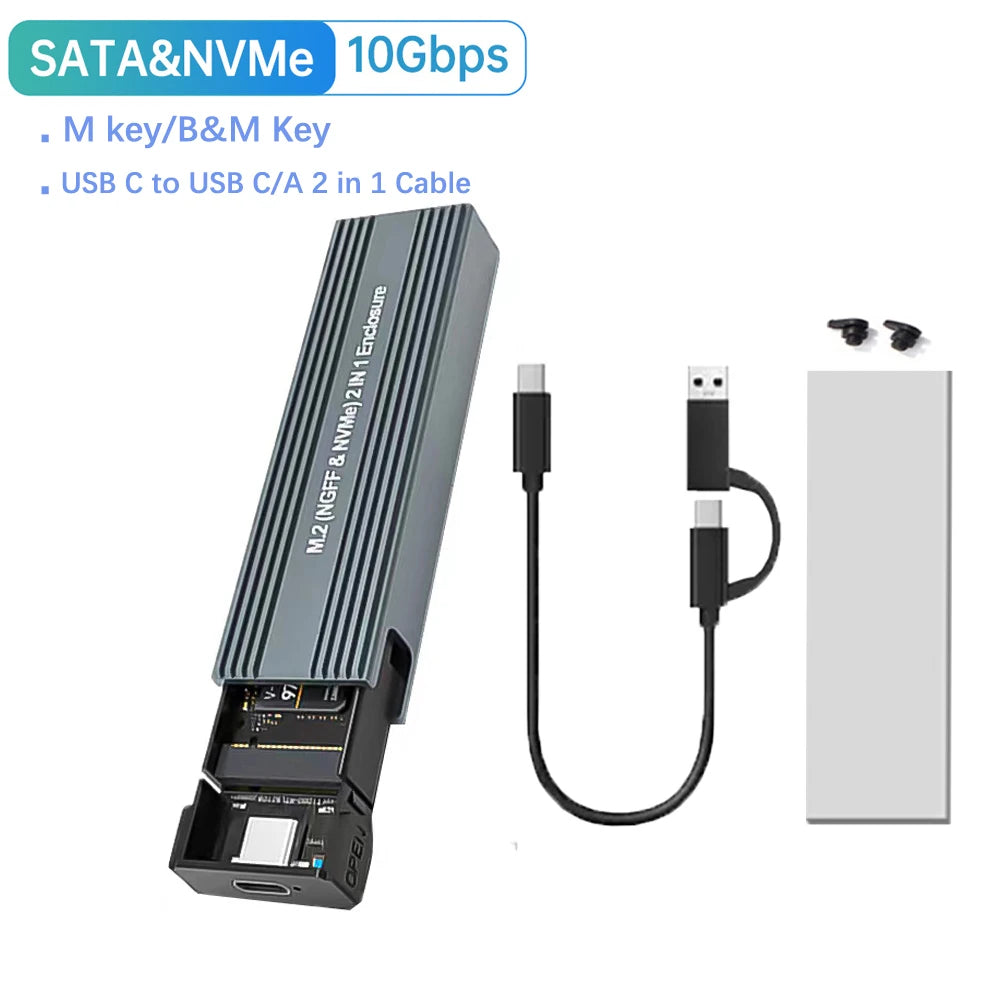
Speedy and compact: This dual-protocol M.2 SSD enclosure delivers USB 3.1 Gen2 10Gbps performance with broad compatibility for both NVMe (PCIe) and NGFF SATA M.2 drives. Aluminum housing improves heat dissipation, while tool-free installation and included Type-C cables make it ideal for fast external storage, backups, and drive cloning.
Specifications:
- Case Material: Aluminum alloy + plastic PCB
- External Interface: USB (Type-C output connector)
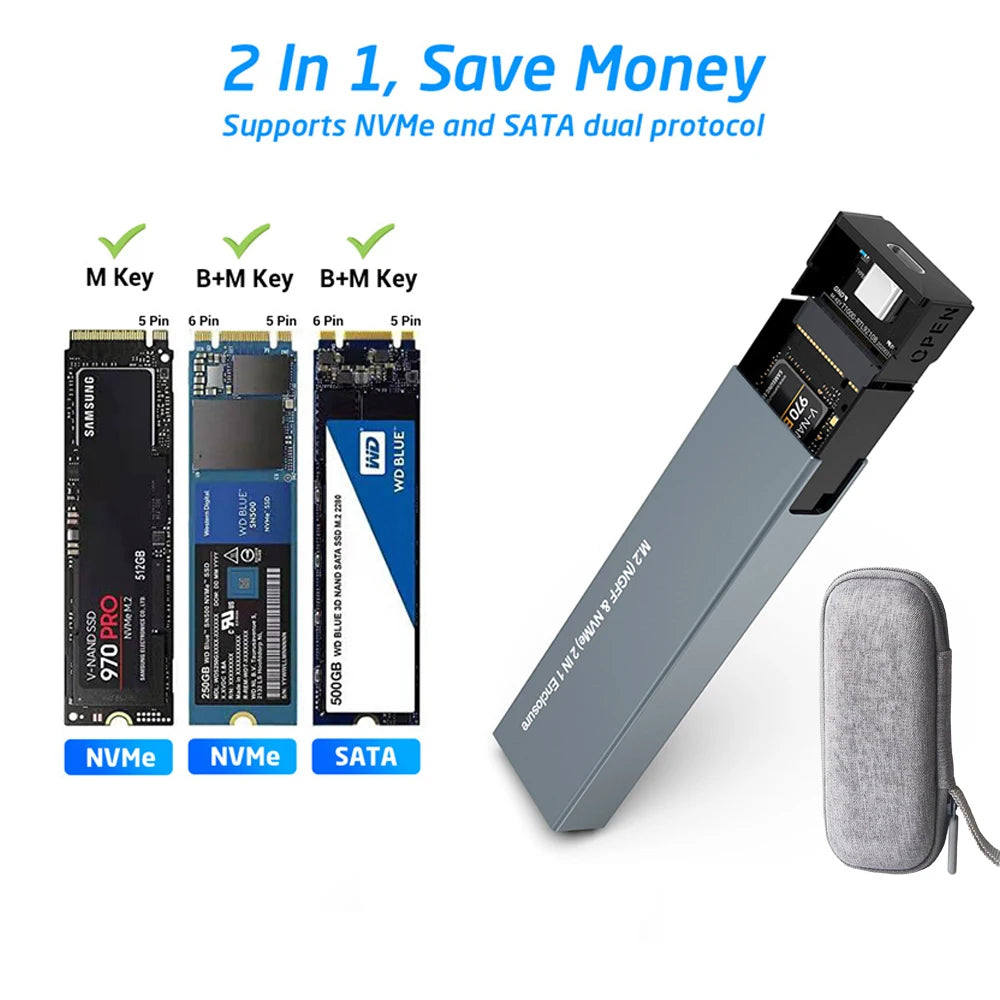
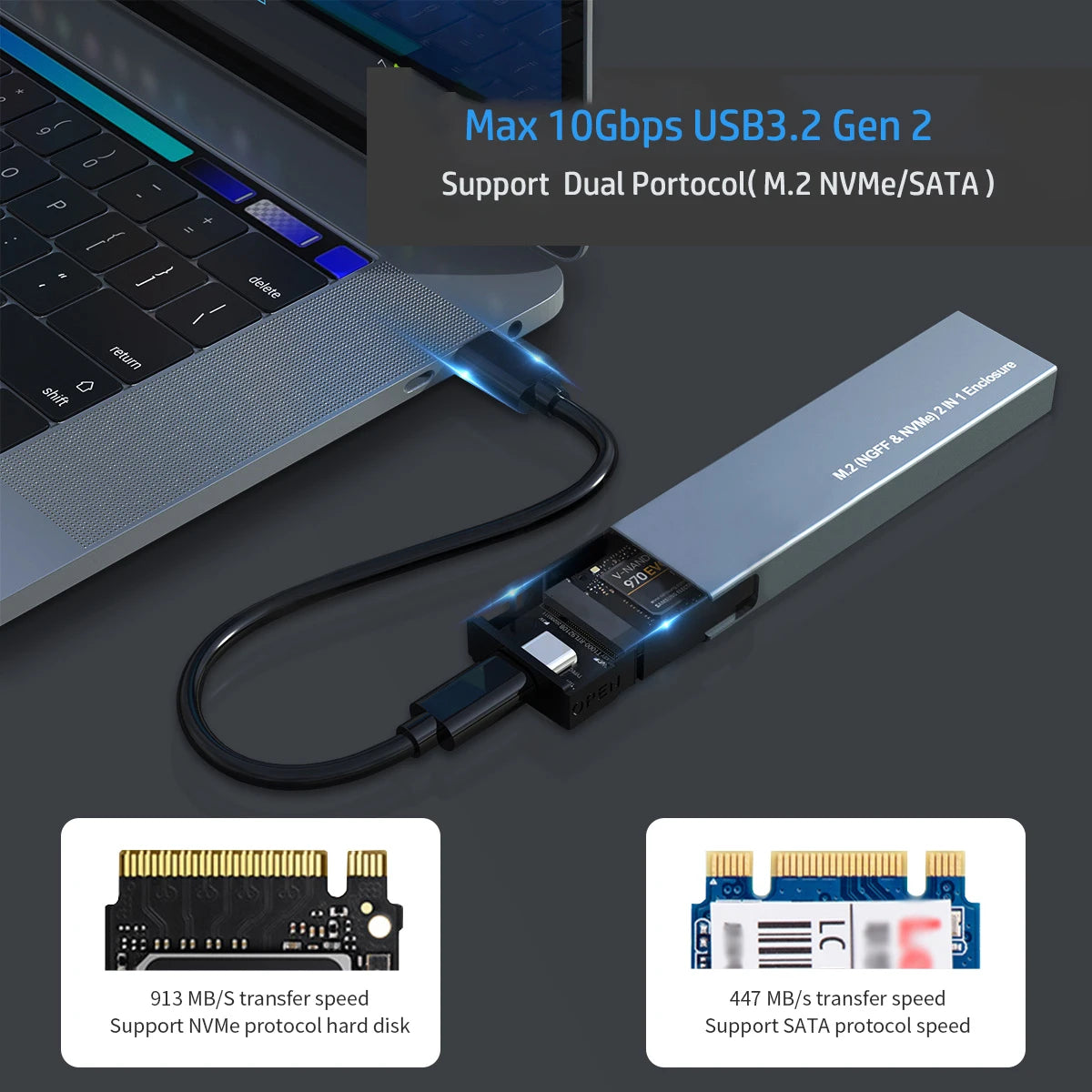
- Internal Interface: NVMe (PCIe) and SATA (NGFF/M.2)
- Main Controller: RTL9210B / JMS581D
- Compatible SSD Sizes: M.2 2230 / 2242 / 2260 / 2280 (22 x 30mm, 22 x 42mm, 22 x 60mm, 22 x 80mm)
- Supported Key Types: B Key, B+M Key, M Key
- Maximum Capacity: Up to 4TB (SSD not included)
- Transfer Speed: SATA up to 6Gbps; NVMe (with Type-C to Type-C) up to 10Gbps (actual speed depends on SSD used)
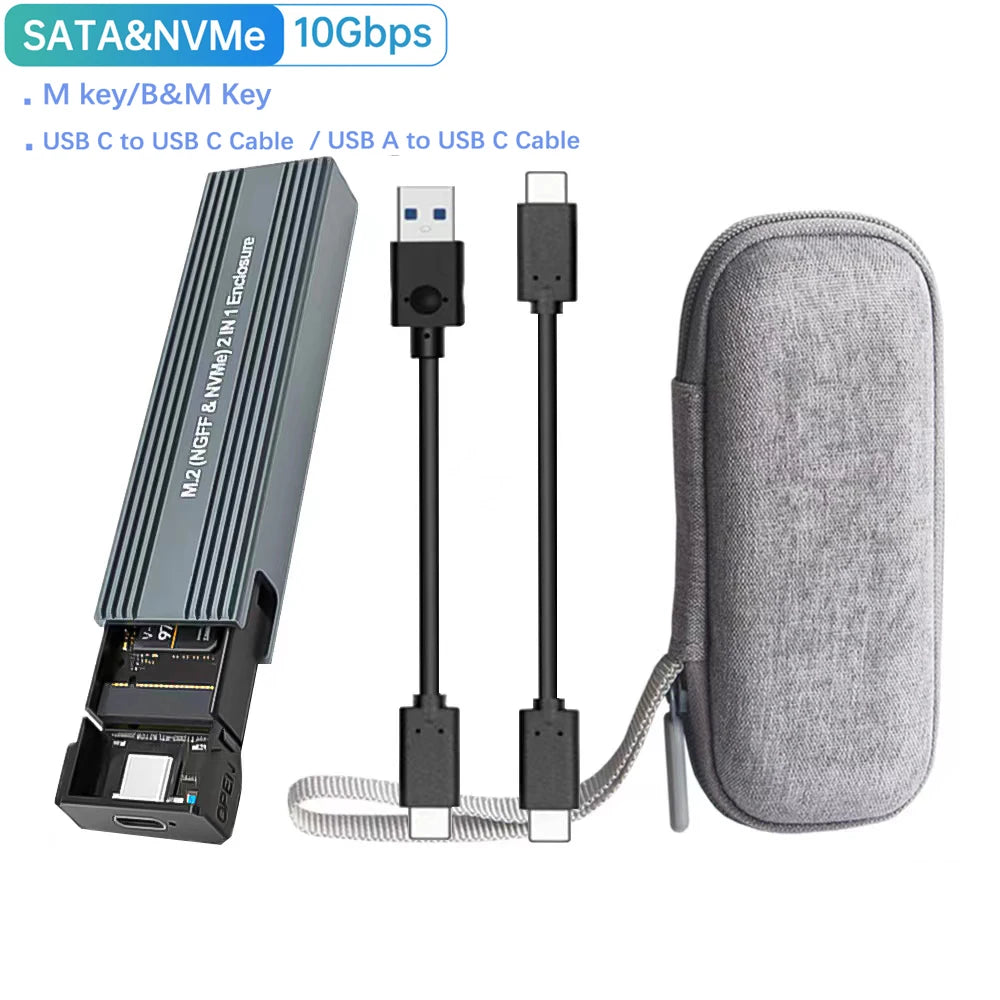
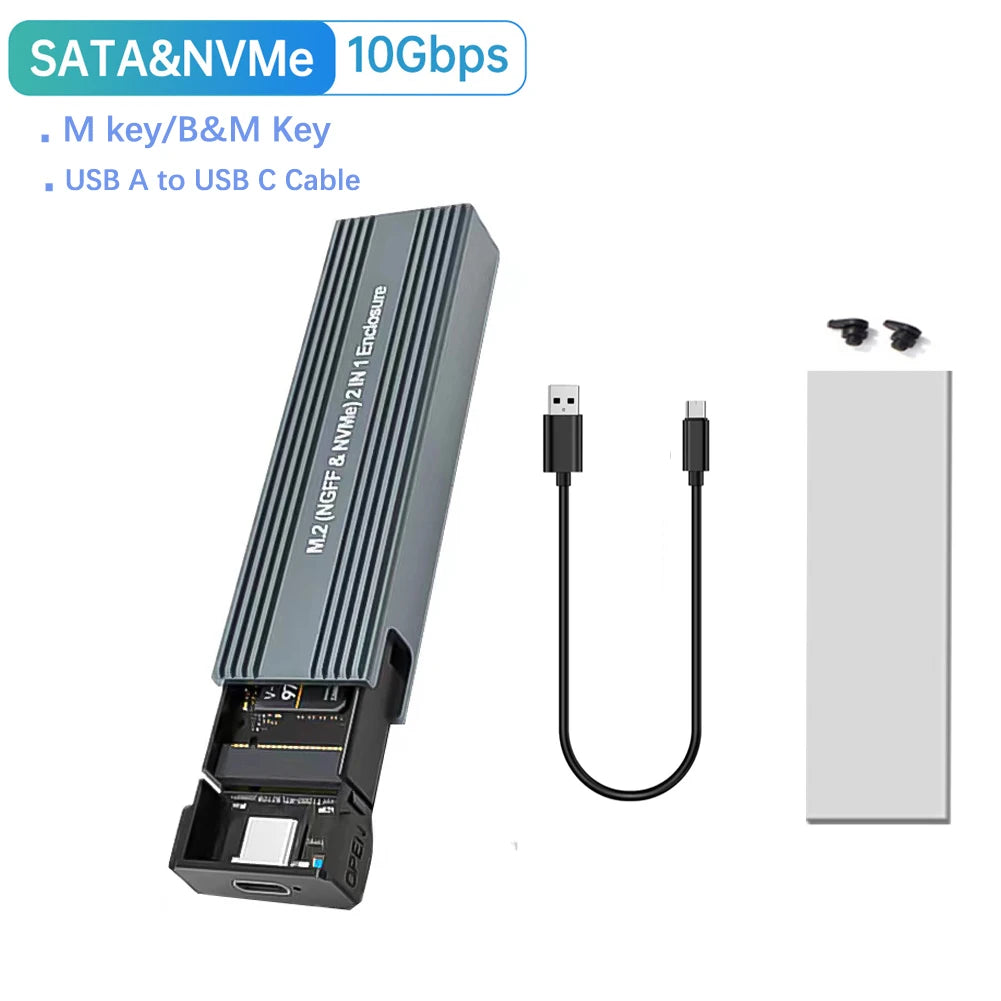
- Cables Included: Type-C to Type-C and Type-C to USB-A (approx. 22 cm / 8.6 in each)
- Features: UASP support, tool-free buckle design, aluminum shell for improved heat dissipation, plug-and-play (driverless)
- Output Connector: USB Type-C
- System Compatibility: Windows and macOS (supports legacy and modern Windows versions; ensure OS supports external NVMe/SATA drives)
- Colour Options: Black, Red, Blue, Silver (optional)
- Dimensions: 102 x 27 x 11 mm (4.02 x 1.06 x 0.43 in) or 106 x 32 x 10 mm (4.17 x 1.26 x 0.39 in) depending on variant
- Package Weight: 90 g (3.17 oz)
- Plug Type / Regional Kits: EU / US / AU / UK options
- Package Includes: 1 x SSD enclosure, 1 x Type-C to USB-A cable (optional), 1 x Type-C to Type-C cable (optional), 2 x drive fix buckles, 1 x manual
- Limitations: Can read only one M.2 SSD at a time (no simultaneous dual-drive read, no RAID). PCIe AHCI SSDs not supported.
How to Use: Insert a compatible M.2 drive, secure with the included buckles, connect via the supplied Type-C cable (to USB-A or Type-C host) and format/partition the drive if needed via Disk Management before first use.
Safety Notes:
Electronic device safety: Use only recommended cables and adapters. Do not expose the enclosure or cables to liquids, extreme heat, or impacts. Unplug before cleaning. Do not disassemble or attempt repairs—this may cause damage or void warranty. Keep small parts and cables away from children. Use proper USB power sources and avoid overcurrent or unsupported chargers.
#SSDEnclosure #NVMeSSD #FanzyMarket