


Description
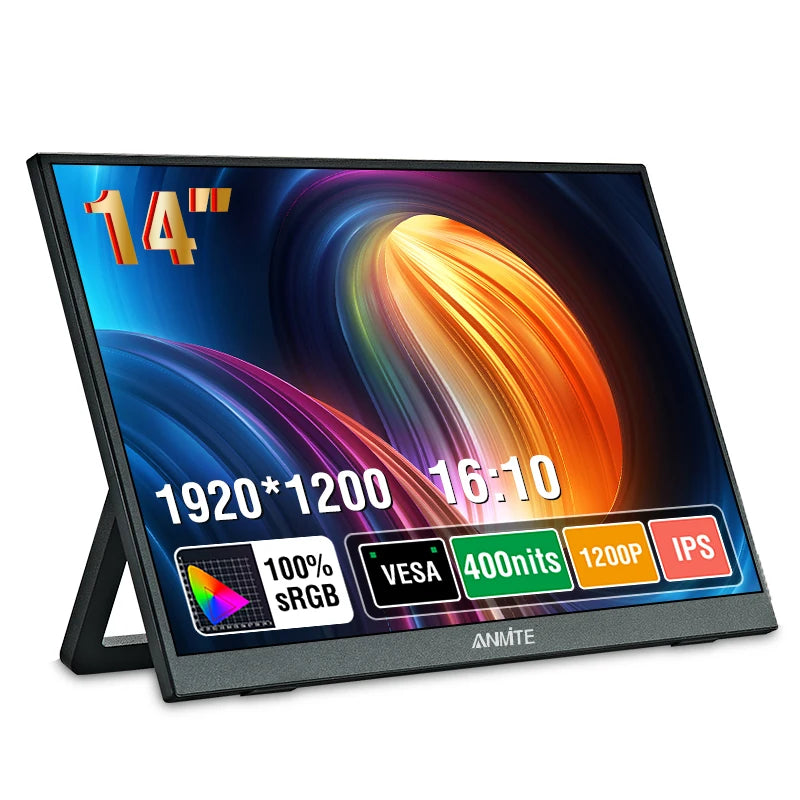
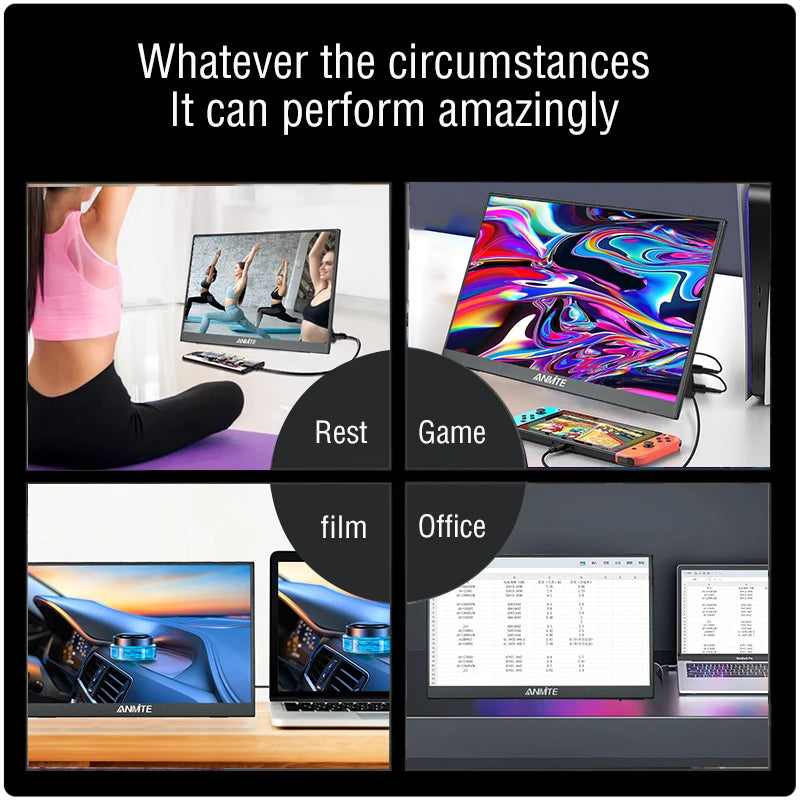
Ultra-portable 14-inch WUXGA monitor delivers crisp 1920 x 1200 HDR10 visuals with 100% sRGB color and 400 nits brightness. Ideal for gaming, remote work, content creation, and dual-screen productivity—choose touch or non-touch to match your workflow.
Specifications:
- Application: Laptop, Desktop, Console
- Display Size: 14 inches (≈35.6 cm)
- Resolution: 1920 x 1200 (WUXGA)
- Display Ratio: 16:10
- Panel Type: IPS
- Brightness: 400 cd/m² (400 nits)
- Color Gamut: 100% sRGB
- HDR: HDR10
- Refresh Rate: 60 Hz
- Adaptive Sync: AMD FreeSync Pro
- Response Time: 3 ms
- Color Depth: 8-bit
- Screen Type: WLED (flat)
- Screen Surface: Matte
- Viewing Angle (H/V): 178° / 178°
- Built-in Speakers: Yes (stereo)
- Inputs: Full-featured USB-C (video + power), Mini HDMI
- Touch: Optional (touch and non-touch models available)
- Bracket: Built-in movable stand
- VESA Mounting: Yes
- Durability: Mini HDMI rated for 3000+ insertions
- Certifications: CE, FCC, RoHS, WEEE
- Power: USB-C single-cable power + signal when supported; HDMI requires separate USB power. Recommended PD 30W or higher
- Compatibility: Laptops, desktops, Xbox, PS4/PS5, Nintendo Switch. Limited projection support on some iPhone models (touch typically unsupported)
- Packaging Weight: 1050 g (≈2.31 lb)
- Package Dimensions: 360 x 240 x 60 mm (≈14.17 x 9.45 x 2.36 in)
- Included Accessories: Portable monitor ×1; HDMI cable ×1; USB-C cable ×1; USB-to-Type-C power/data cable ×1; touch cable included for touch model
- Availability: In stock
- Usage Notes: Use a full-featured USB-C port (USB 3.1+/Thunderbolt 3) that supports DP Alt Mode for video and touch. For HDMI connections, use the supplied HDMI cable for video and a separate USB power source (PD 30W+ recommended) to avoid flicker or power issues. Touch function is only available on touch model and may require an additional USB touch cable when using HDMI.
Hashtags: #PortableMonitor #GamingMonitor #FanzyMarket
Safety Notes:
Use certified USB-C or PD chargers and quality cables. For stable operation and to avoid flicker, we recommend a 30W or higher PD power adapter.
Avoid exposing the monitor to liquids, extreme temperatures, or prolonged direct sunlight. Unplug the monitor during electrical storms or when not in use.
Keep cables tidy and out of walkways to prevent tripping or damage. Do not use damaged power adapters or cables; replace any worn or frayed cords immediately.