





Description
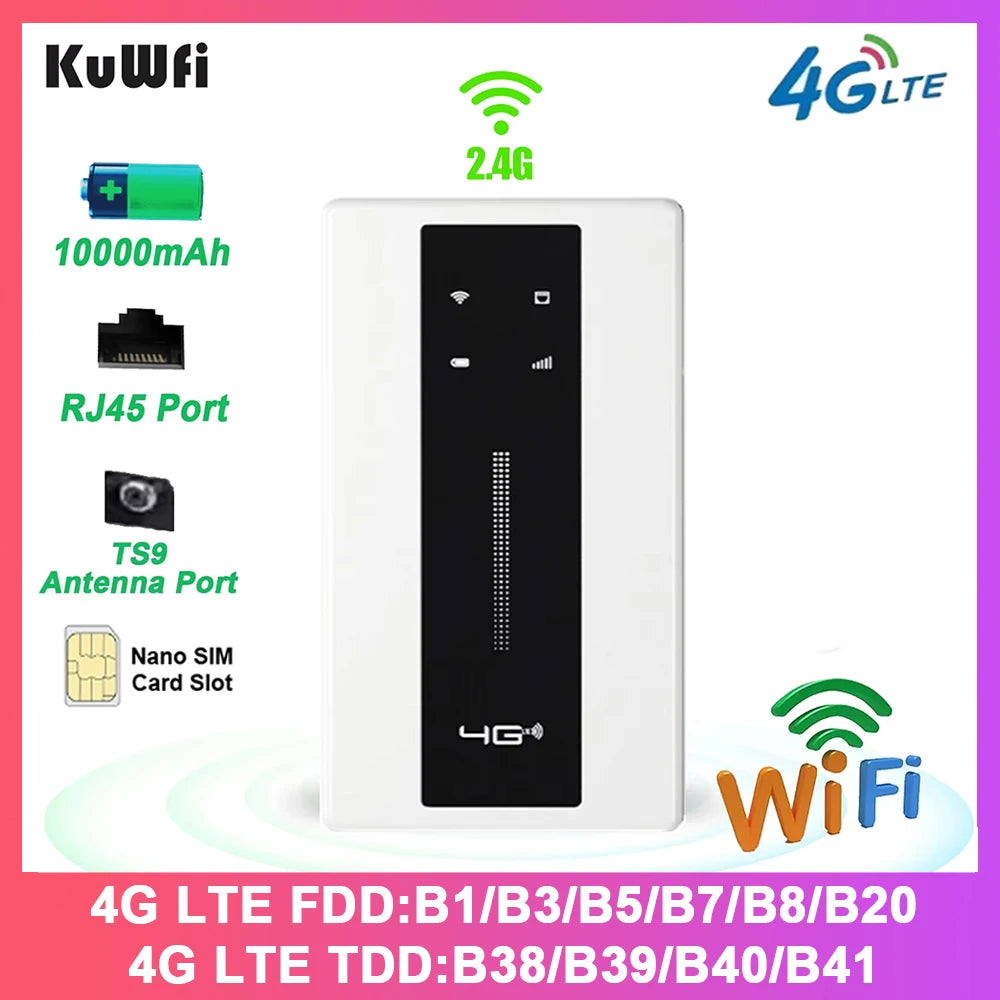
Anywhere: compact 4G LTE portable hotspot with a built-in 10000mAh battery delivers up to 150Mbps on 2.4GHz Wi‑Fi and includes an Ethernet WAN/LAN port for reliable travel and outdoor connectivity.
Specifications:
- Battery: Built-in 10000mAh
- Download Speed: Up to 150 Mbps
- Upload Speed: Up to 50 Mbps
- Wi‑Fi Protocol: 802.11 b/g/n
- Wi‑Fi Frequency: 2.4 GHz (single-band)
- Wireless Transmission Rate: 150 Mbps
- Antenna Type: Internal (TS9 antenna port provided, antenna not included)
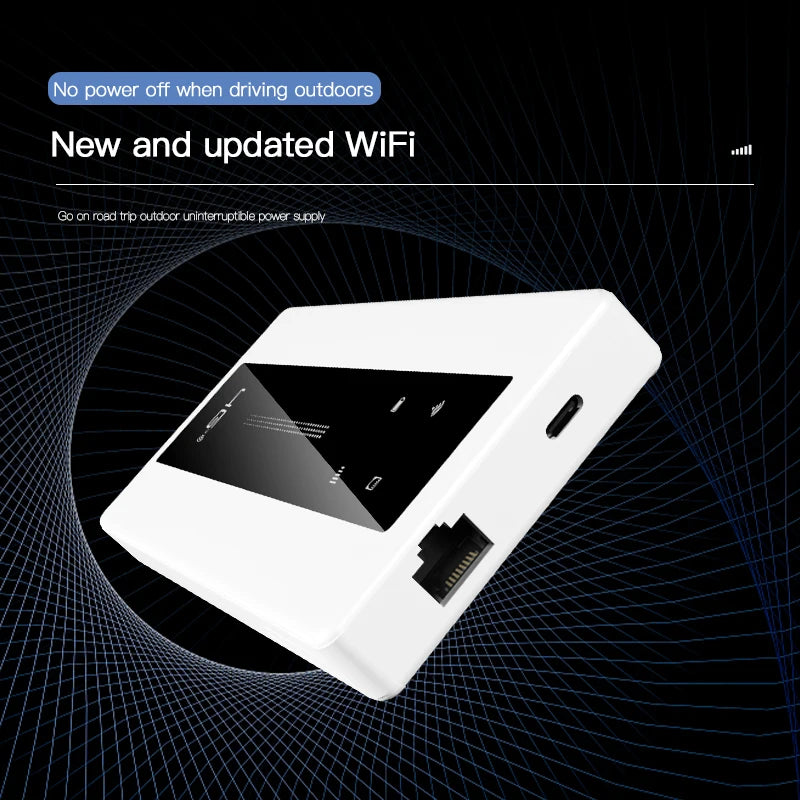
- Ethernet Port: 1 x 10/100 Mbps RJ45 (configurable as WAN or LAN)
- Wired Transfer Rate: 10/100 Mbps
- WPS Support: Yes
- Max Connections: Up to 10 users/devices
- Charging Port: USB Type-C
- Size: 148 x 78 x 17 mm (5.83 x 3.07 x 0.67 in)
- Operating Temperature: -10°C to 55°C (14°F to 131°F)
- Storage Temperature: -10°C to 70°C (14°F to 158°F)
- Working Humidity: 10% to 90%
- Storage Humidity: 5% to 95%
- Supported Bands: 4G FDD-LTE: B1, B3, B7, B8, B20; 4G TDD-LTE: B38, B40; WCDMA: B1
- Certification: CE
- Web UI Language: Chinese & English
- Package Contents: 1 x 4G LTE Router, 1 x USB Cable, 1 x English Manual
Overview & Tips: This compact CAT4 4G LTE router is built for travel and outdoor use, offering long battery life (approximately 18–24 hours on a full charge depending on usage). It supports up to 10 devices, provides a 10/100Mbps Ethernet WAN/LAN port, and includes WPS for quick connections. The device has a TS9 antenna port (antenna not included) to improve reception when needed.
Important: SIM card not included. Before purchase, confirm your SIM card supports the listed frequency bands. Insert the SIM before powering on. You may need to disable the SIM PIN and manually configure APN settings via the web UI to access mobile data. If the router is used indoors, reception may be weaker — placing it outdoors or near a window improves performance. To restore factory Wi‑Fi password, press and hold the reset button for 10–15 seconds.
#4GLTE #PortableHotspot #LongBattery #FanzyMarket