


Description
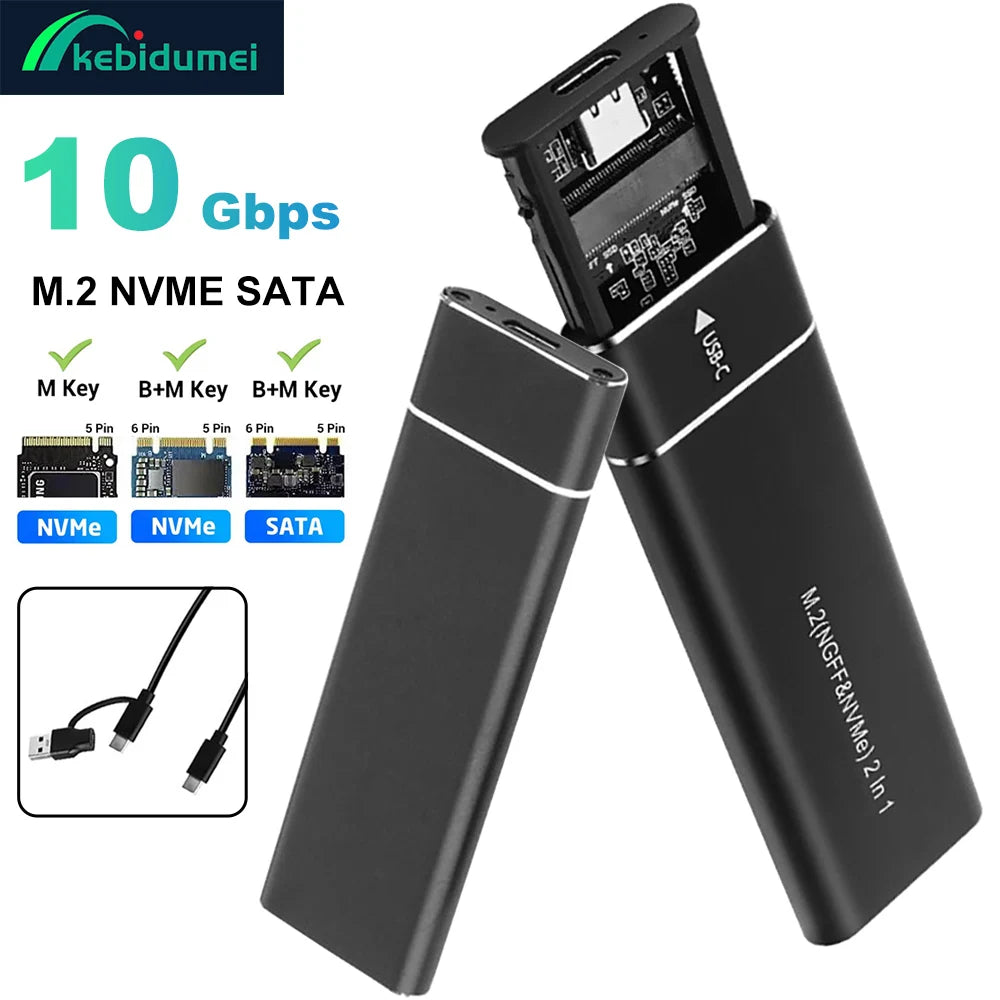
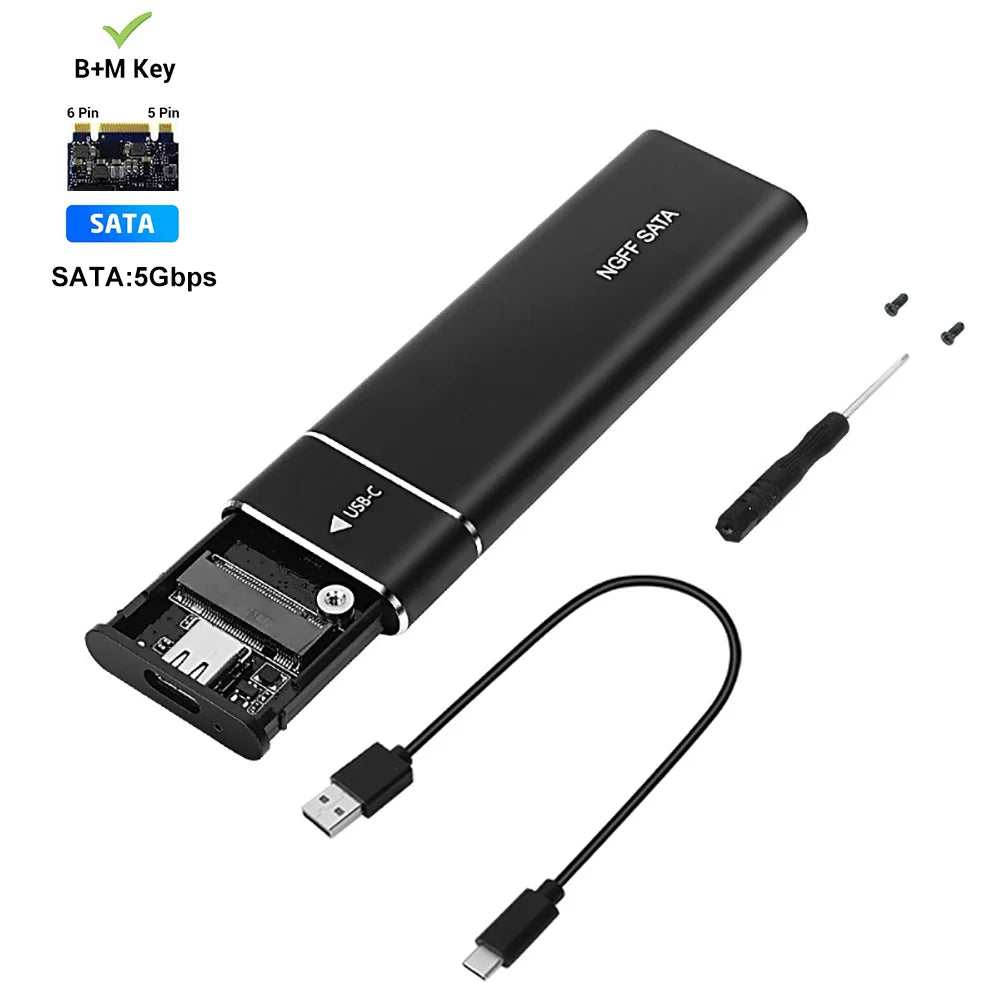
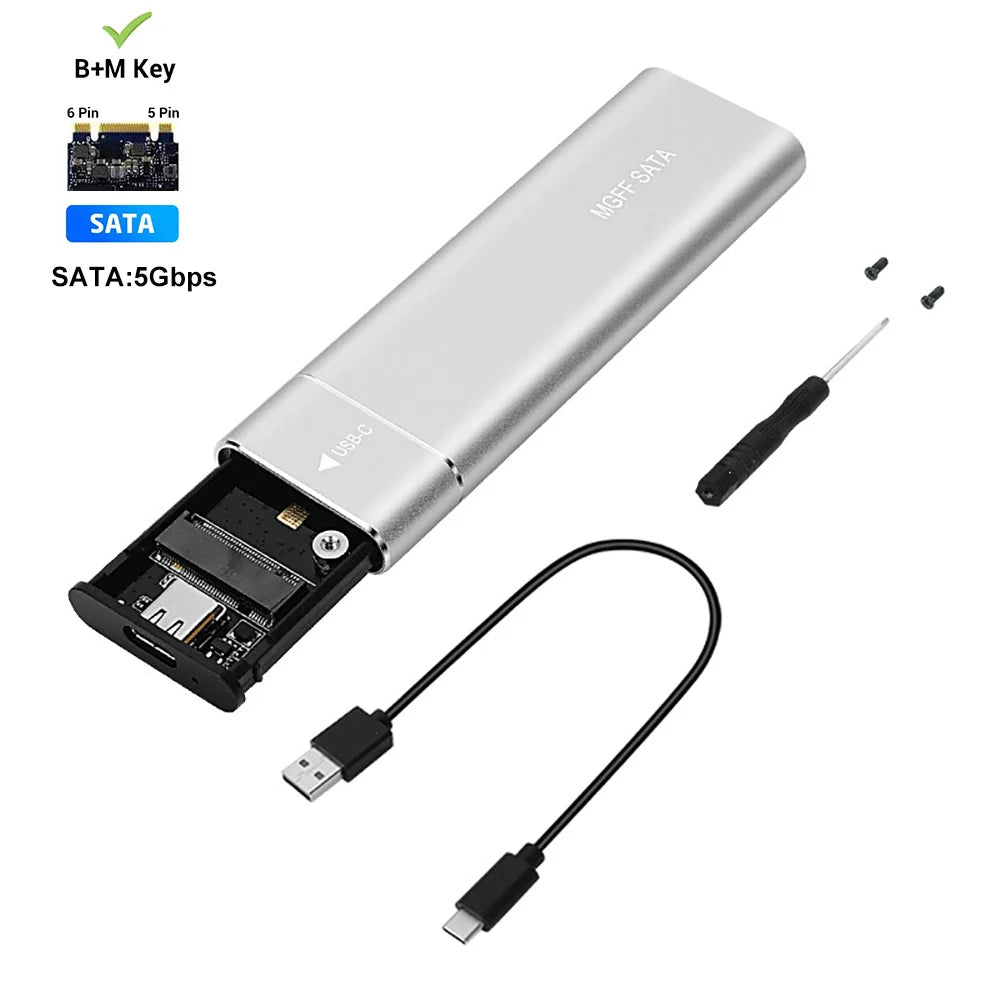
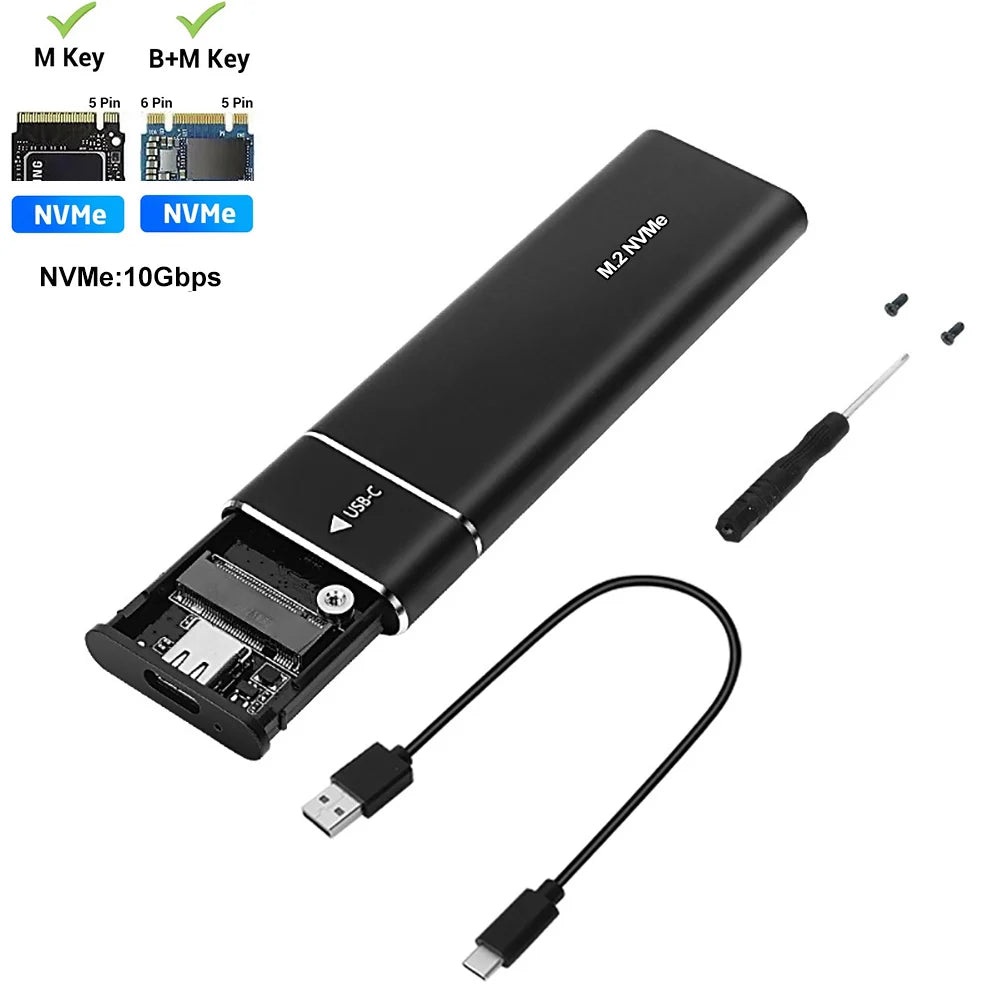
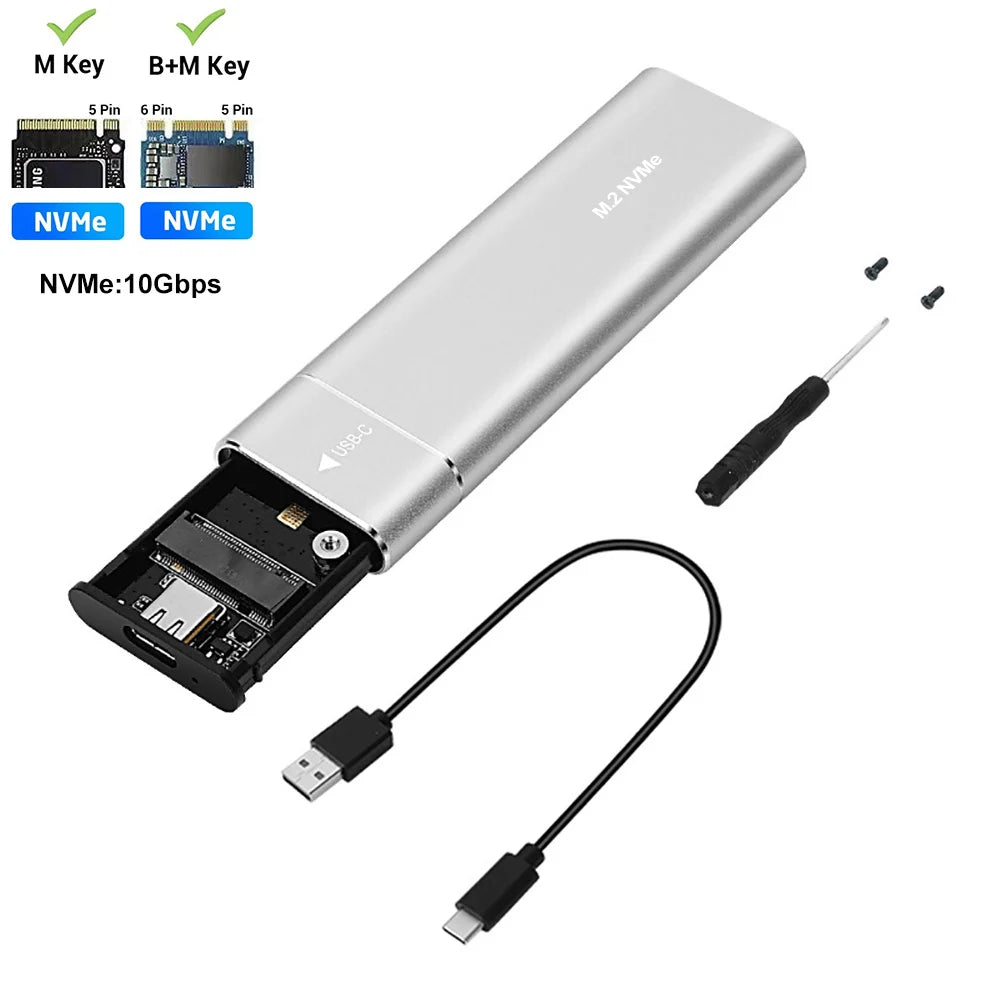
Effortless high-speed storage: this compact M.2 SSD enclosure converts NVMe or SATA M.2 drives to USB 3.1 Type-C for fast external storage, backups, video editing and portable media with transfer rates up to 10Gbps.
Specifications:
- Case Material: Aluminum alloy
- Compatible SSD Sizes: 22 x 30 mm (0.12" x 1.18"), 22 x 42 mm (0.12" x 1.65"), 22 x 60 mm (0.12" x 2.36"), 22 x 80 mm (0.12" x 3.15") — (2230 / 2242 / 2260 / 2280)
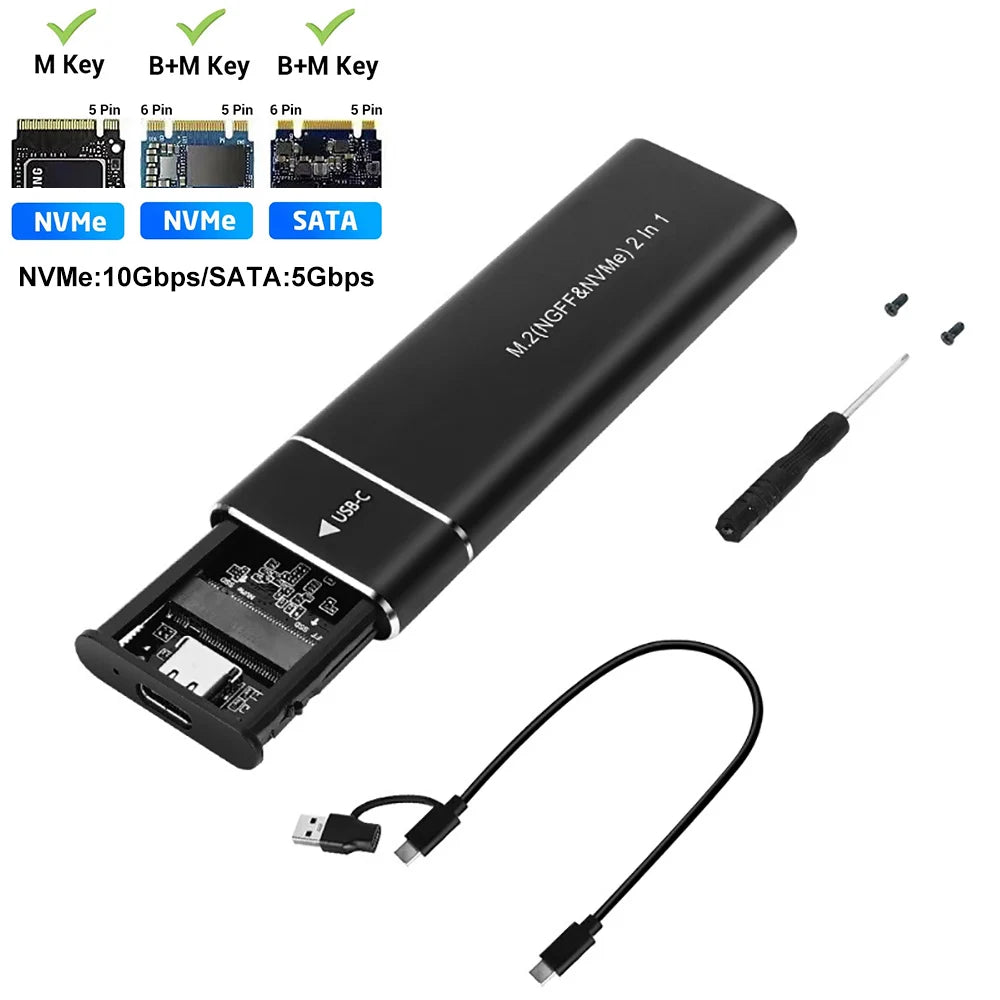
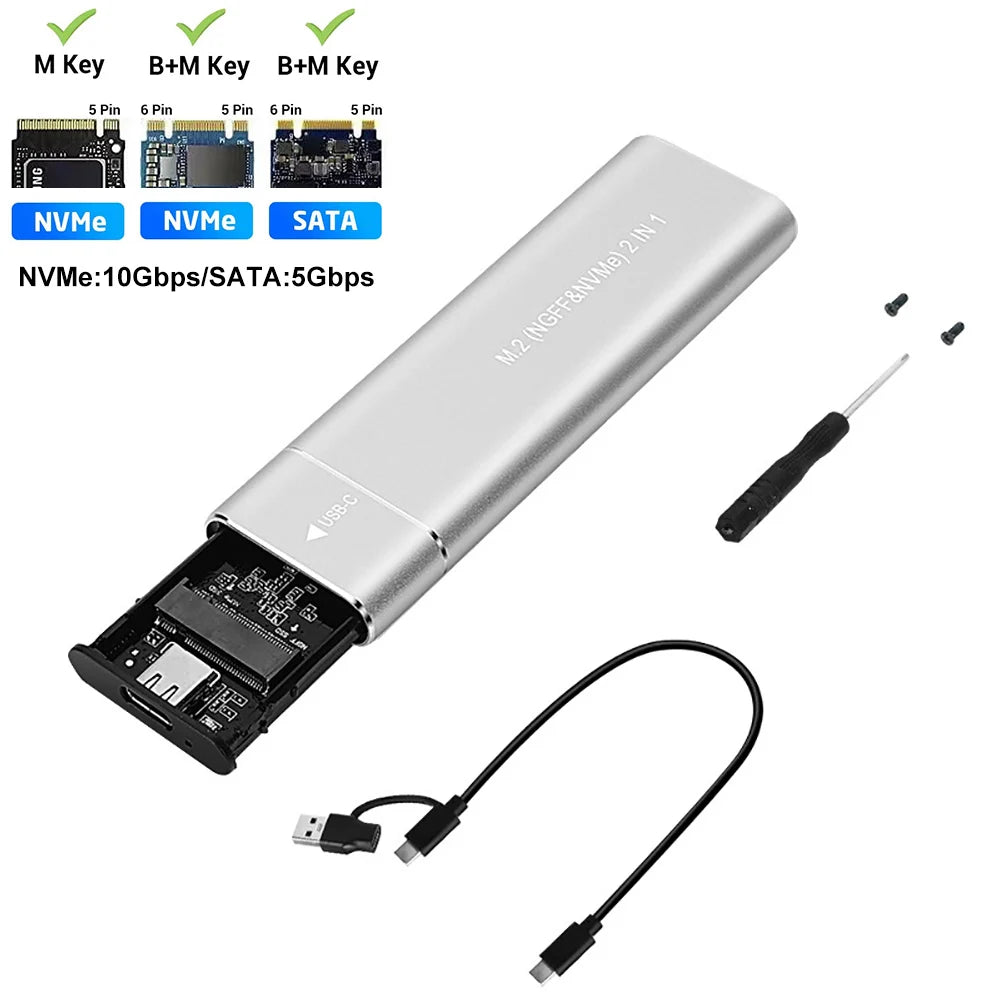
- Supported Protocols: NVMe (PCIe) and SATA (NGFF) — dual-protocol models available (check drive protocol before ordering)
- Supported Keys: M-Key and B+M Key compatible
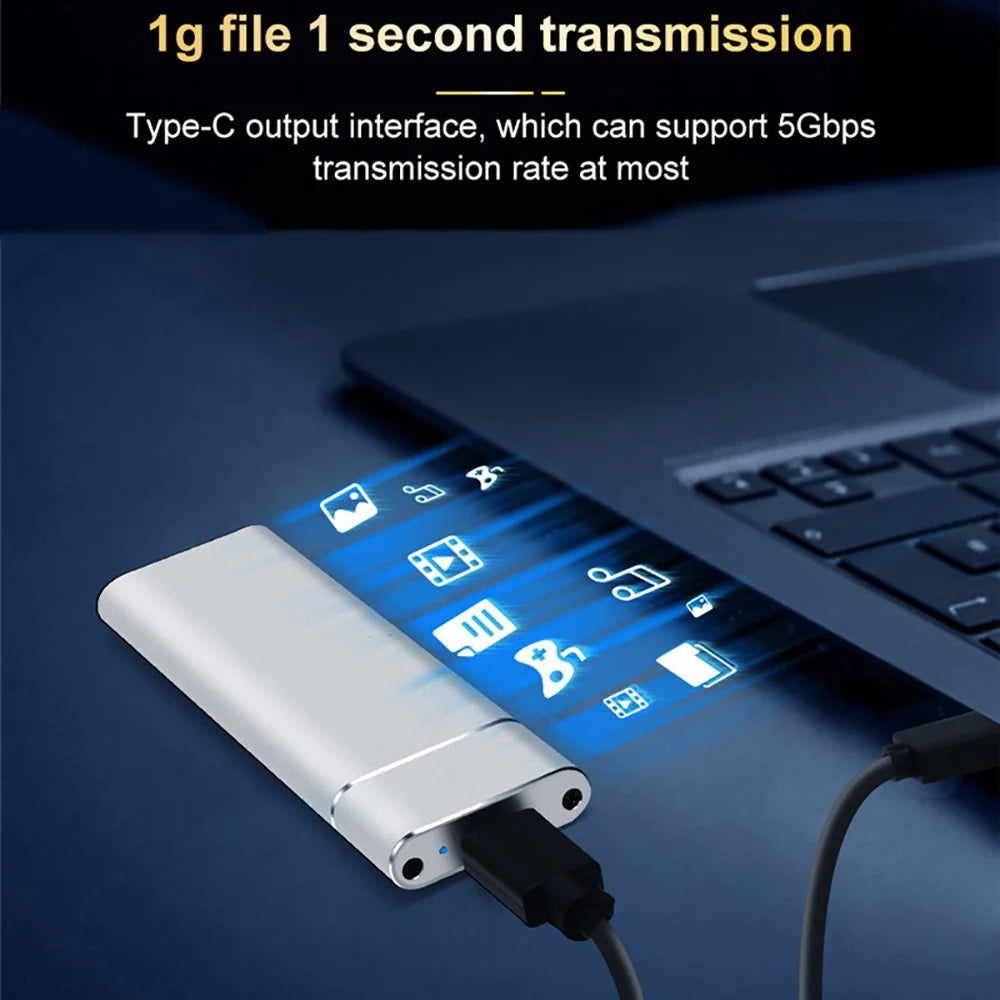
- Transmission Speed: Up to 10 Gbps (NVMe) / 5 Gbps (SATA)
- Interface: USB 3.1 Type-C (USB-C); includes USB-A to USB-C or 2-in-1 USB-A/USB-C cable depending on model
- Maximum Drive Capacity: Supports up to 4 TB
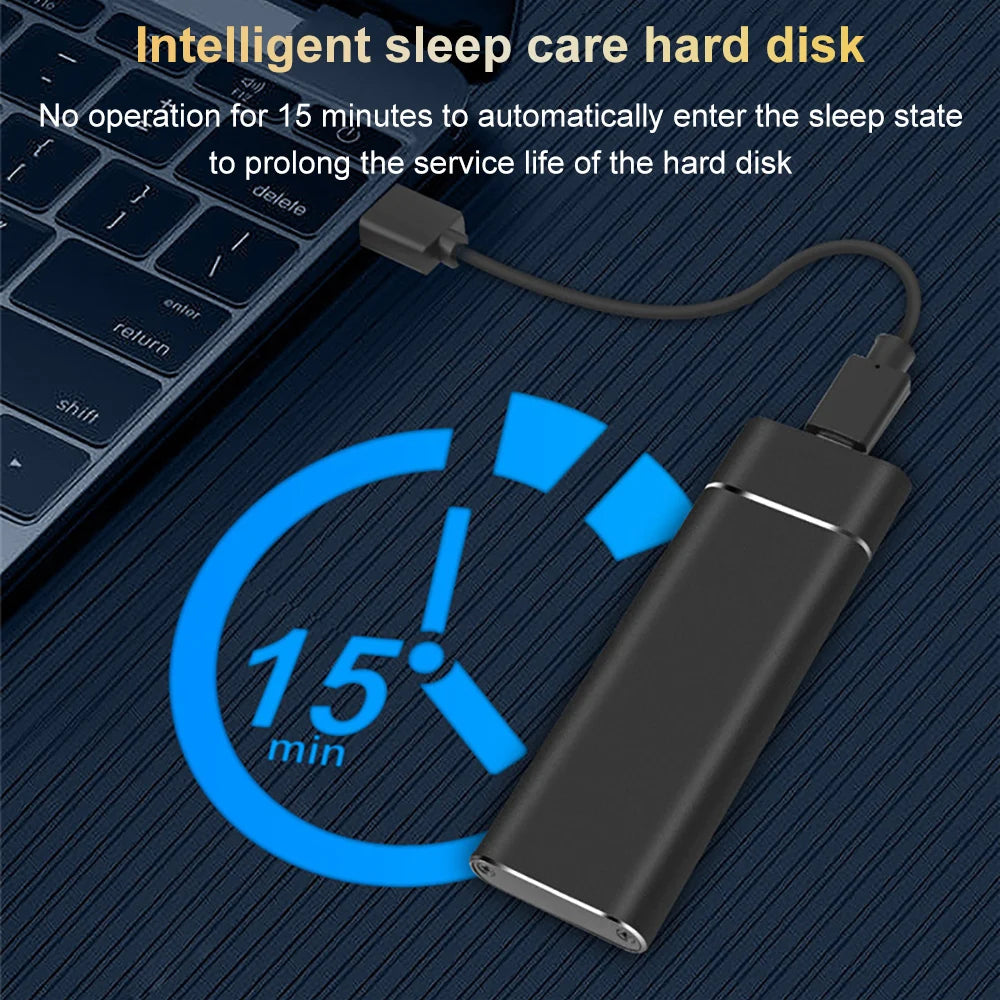
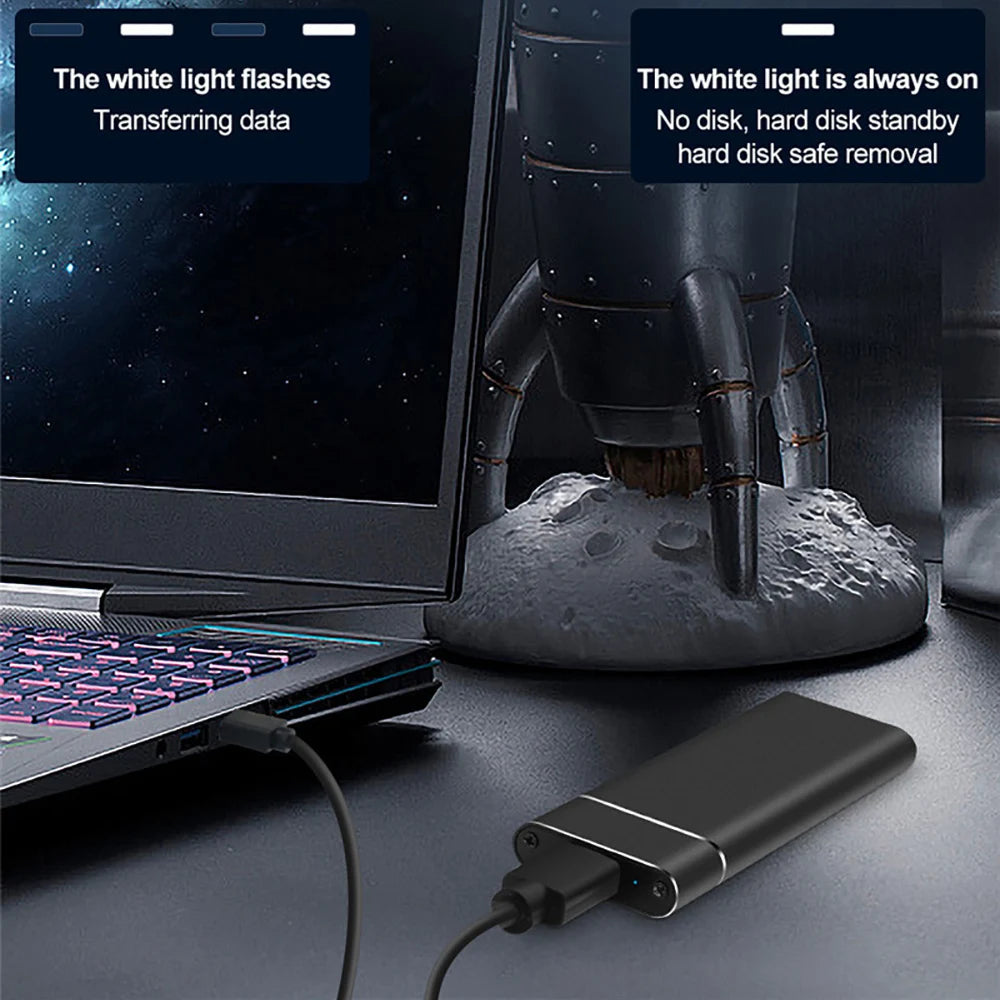
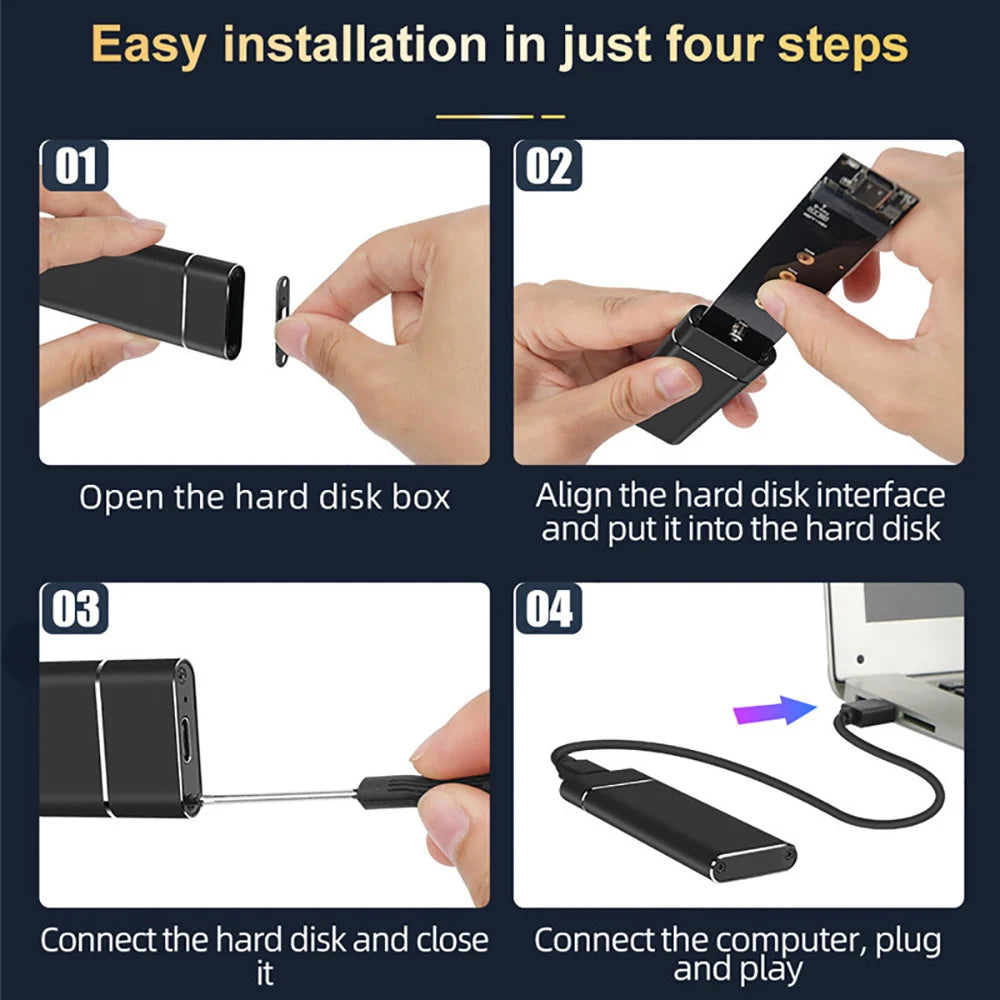
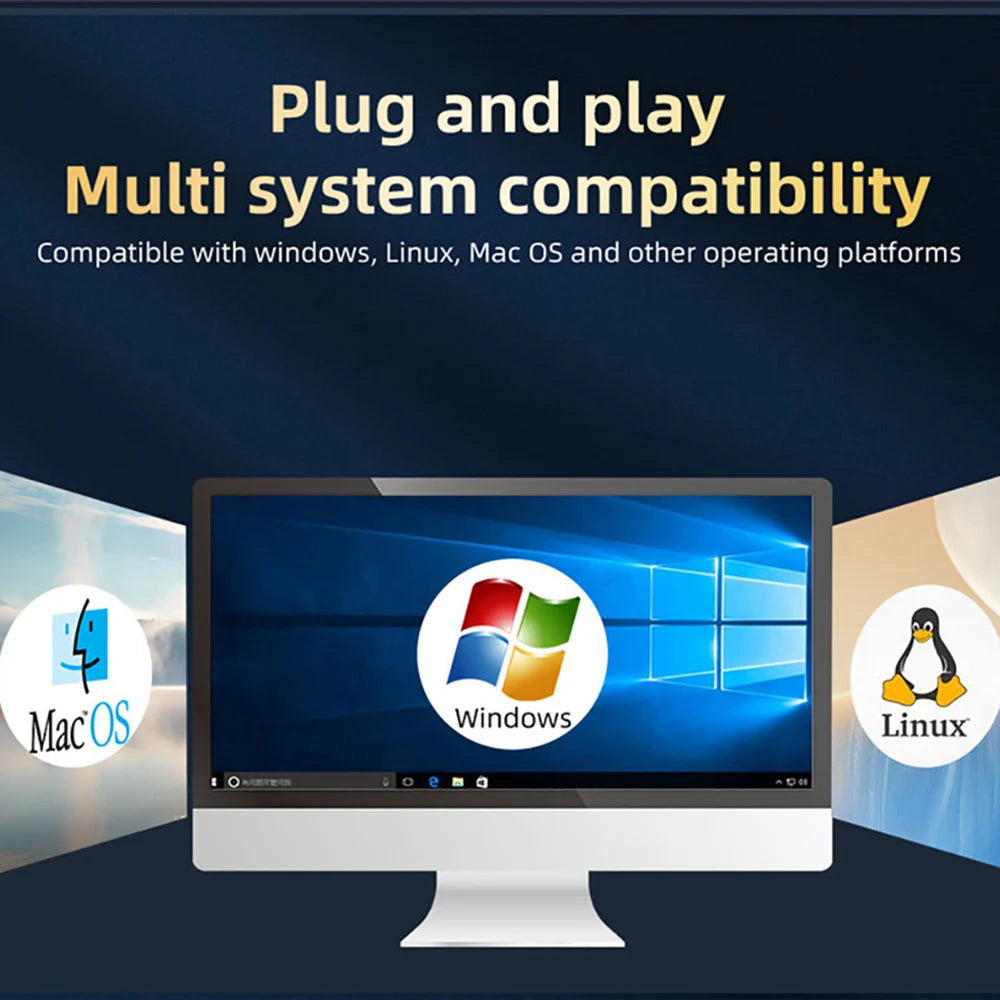
- Features: Plug & Play, passive heat dissipation, easy installation, no driver required
- Compatible Operating Systems: Windows (98/SE/Me/2000/XP/Vista/7/8/10) and macOS 8.6 or later
- Dimensions: approx. 100 x 31 x 9 mm / 3.93 x 1.22 x 0.35 in
- Colors: Black, Silver
- Package Includes: 1 x USB 3.1 Type-C M.2 SSD Enclosure, 1 x Cable (USB-A to USB-C or 2-in-1), 1 x Screwdriver
Overview: Choose between three model options to match your M.2 SSD protocol: NVMe+SATA dual-protocol (10Gbps), NVMe-only (10Gbps), or SATA-only (5Gbps). Supports 22x30/42/60/80mm M.2 SSDs and provides high-speed external storage for 3D gaming, 4K video, HiFi music and large file transfers.
Safety Notes:
Use only the supplied or a certified USB cable and a compatible USB port. Avoid exposing the enclosure to moisture or extreme heat.
Disconnect power before inserting or removing the M.2 SSD. Do not disassemble the enclosure—opening it may damage components and void the warranty.
Keep small parts such as screws and the screwdriver away from children to prevent choking hazards.
#ExternalSSD #NVMeEnclosure #FanzyMarket