




Description
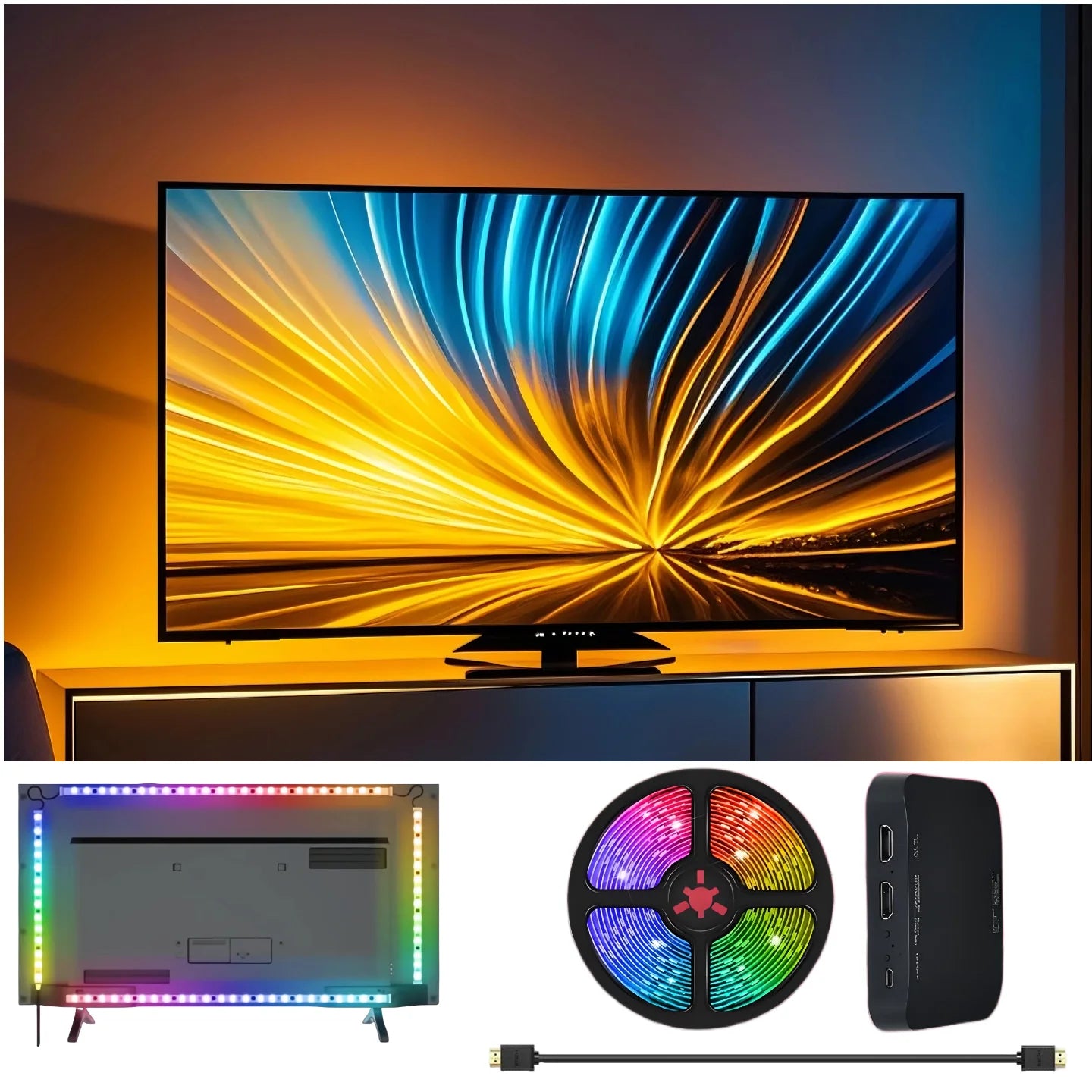
Transform your viewing experience with a plug-and-play HDMI sync LED backlight strip that mirrors on-screen colors in real time for immersive movies and gaming.
Specifications:
- Certification: CE, RoHS
- High-concerned chemical: None
- Is Batteries Included: No
- Is Smart Device: No
- Item Type: LED Strip
- Luminous Flux: <60 lm
- Nominal Voltage: 12 V
- Power Generation: Switch powered
- Waterproof: Yes (splash resistant)
- Sync Method: HDMI 2.0 input — real-time video signal analysis
- Compatibility: External HDMI media devices (TV boxes, streaming sticks, game consoles, Blu-ray players)
- Installation: Peel-and-stick LED strip with adhesive and mounting clips; Type-C connection to sync box
Overview: Elevate your TV or gaming setup with dynamic ambient lighting that reacts instantly to on-screen content. This HDMI sync backlight delivers easy, tool-free installation and a spill-resistant design for long-lasting use. Ideal for movie nights, streaming, and competitive gaming.
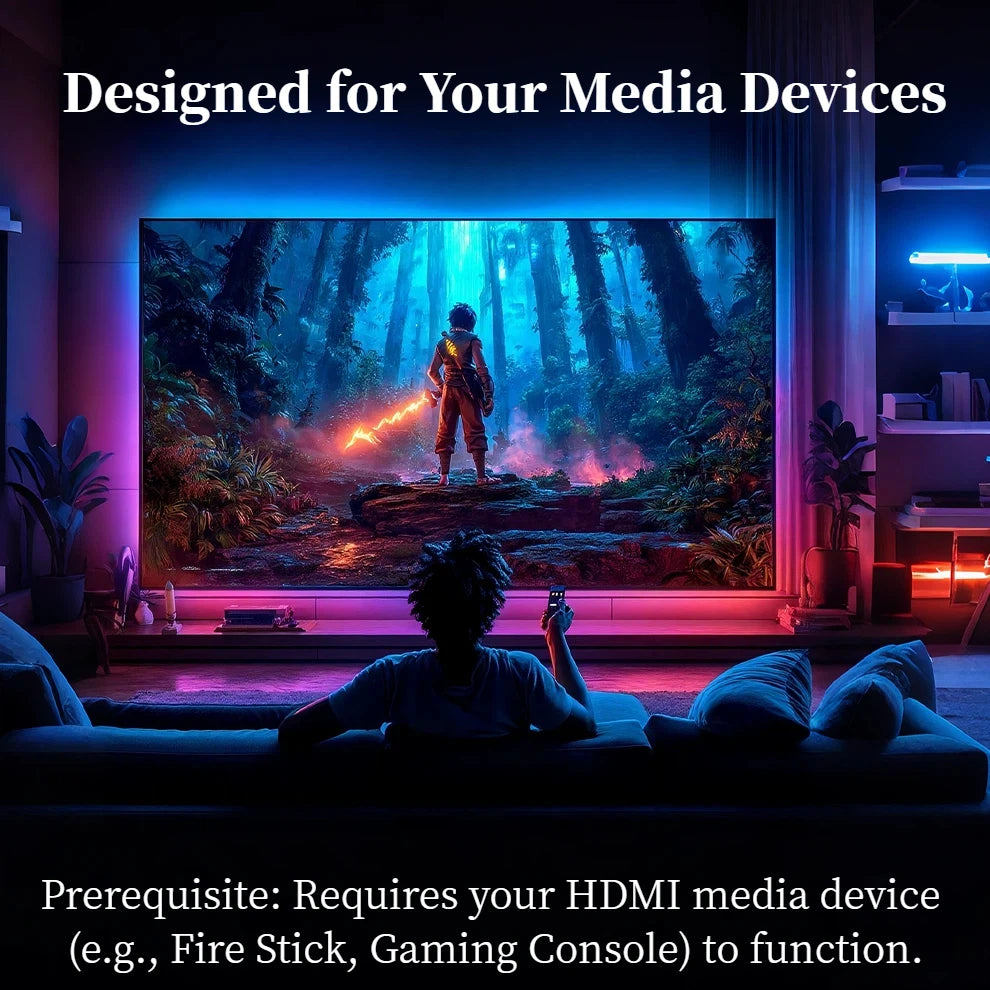
Important Note: This backlight must be connected to an external HDMI media device (for example TV box, streaming stick, or game console) to sync with screen colors. It will NOT work when connected only to a TV's eARC/ARC HDMI port or with built-in TV apps. The sync works with apps running on your external HDMI device.
How to Install:
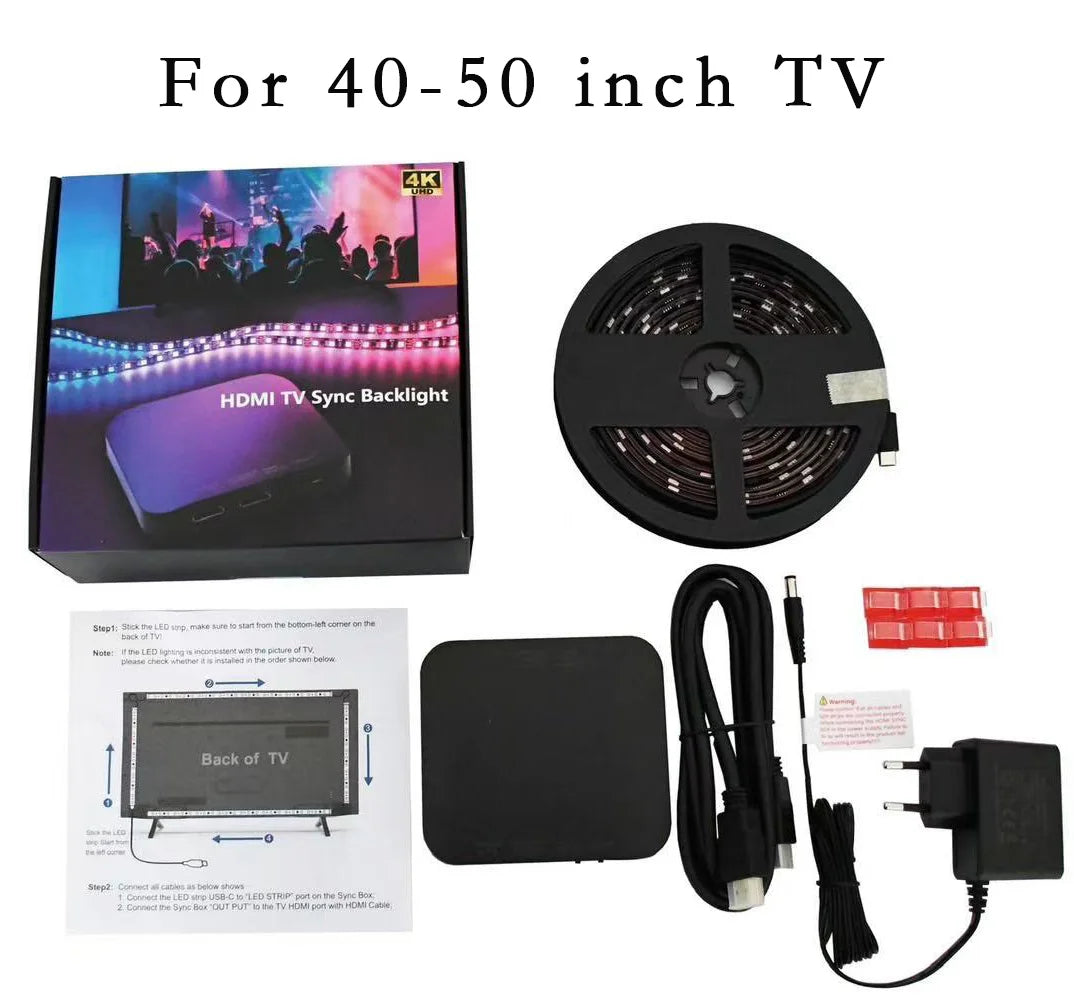
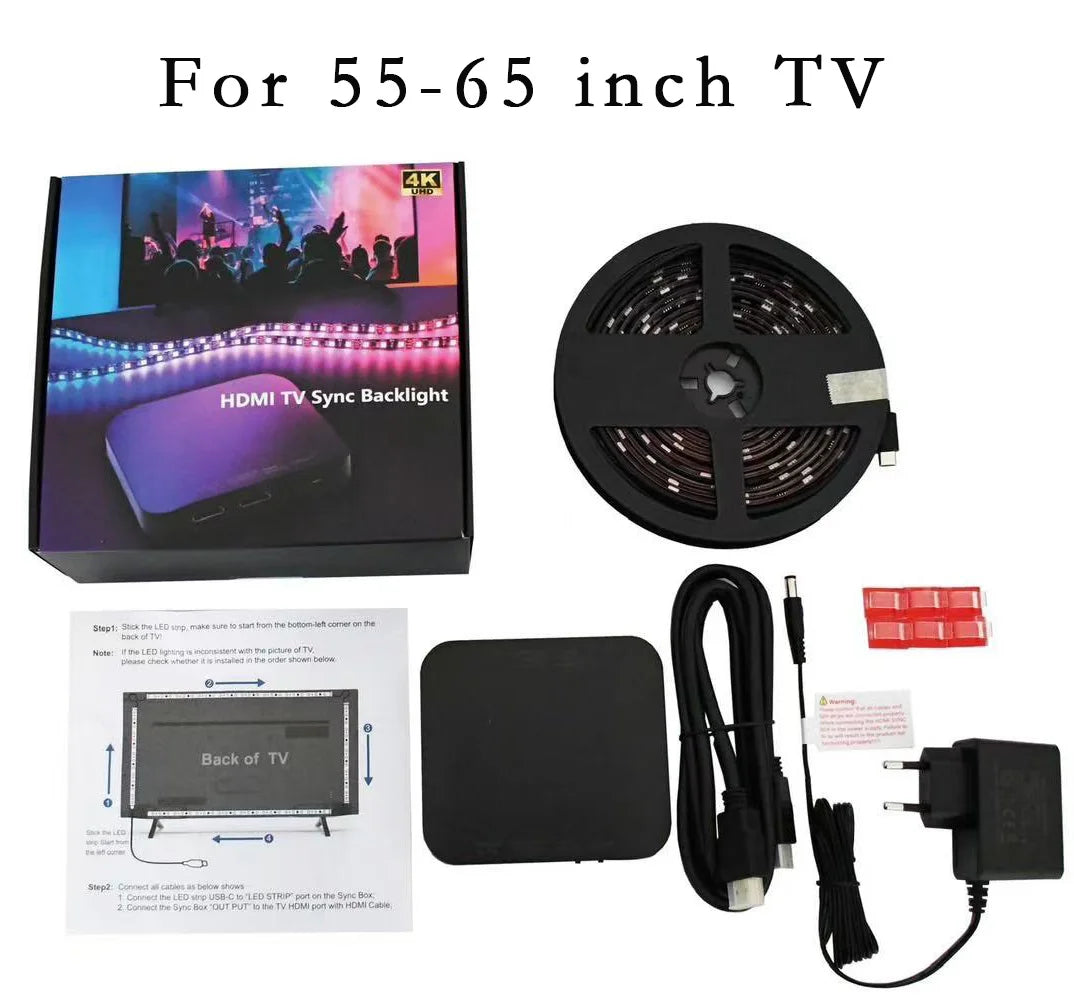
- Clean the back of the TV, peel off adhesive, and stick the strip clockwise starting from the bottom-left corner. Use clips at corners for extra hold.
- Connect the LED strip to the sync box via the Type-C port labeled "LED Strip."
- Connect your external HDMI media device to the sync box "Input" port and connect the sync box "Output" to your TV with the HDMI cable.
- Plug in the power adapter and turn on the sync box to begin real-time color matching.
Troubleshooting:
- If part of the strip isn’t lighting or colors are out of sync: press and hold the sync box RESET button for 5 seconds (strip will flash), unplug the power adapter for 10 seconds, then plug back in. A white chase effect indicates reset complete.
Hashtags: #LEDBacklight #HDMIambient #TVLighting #FanzyMarket