










Description
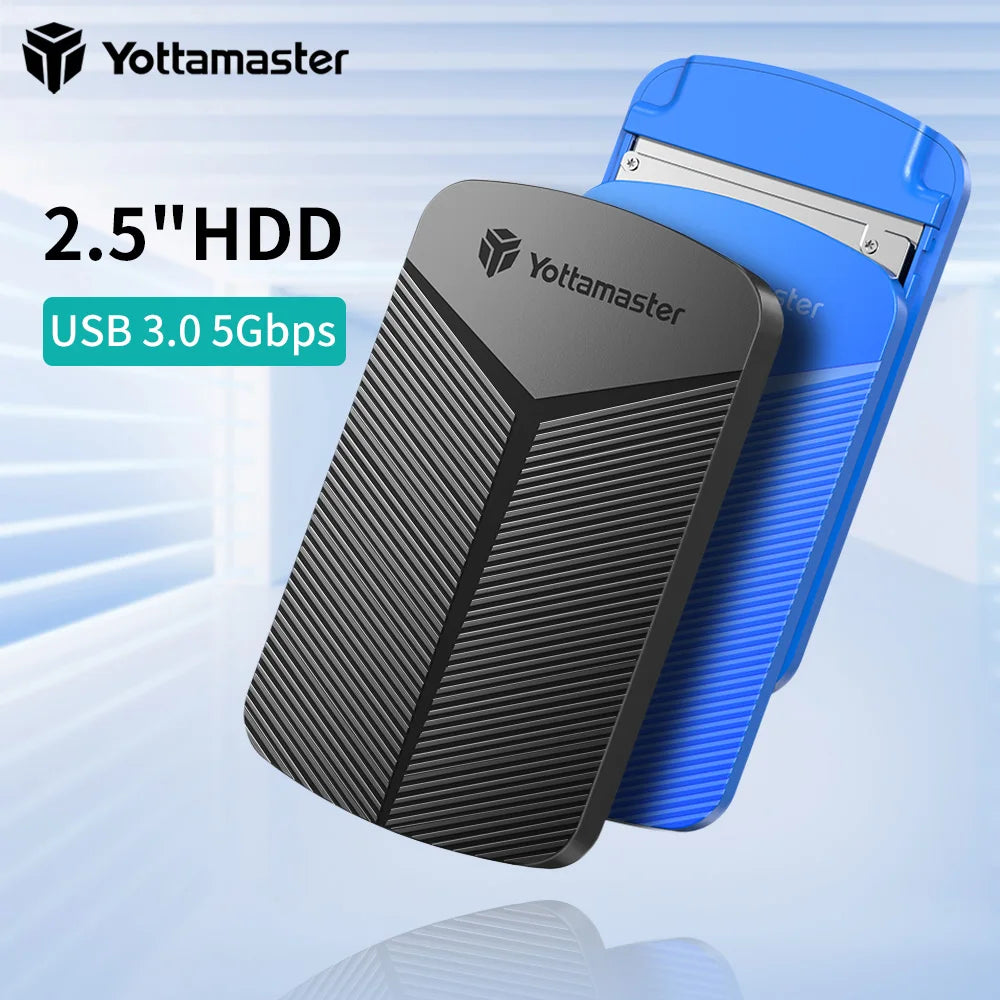
Compact tool-free 2.5-inch SATA HDD/SSD enclosure with USB 3.0/UASP support for fast, reliable backups, data transfer and portable storage. Durable ABS shell with protective cushion keeps drives safe while offering wide compatibility with Windows, Mac, Linux and Android devices.
Specifications:
- Product Type: 2.5" HDD/SSD Enclosure
- Model Number: YMPW25
- Case Material: ABS Plastic
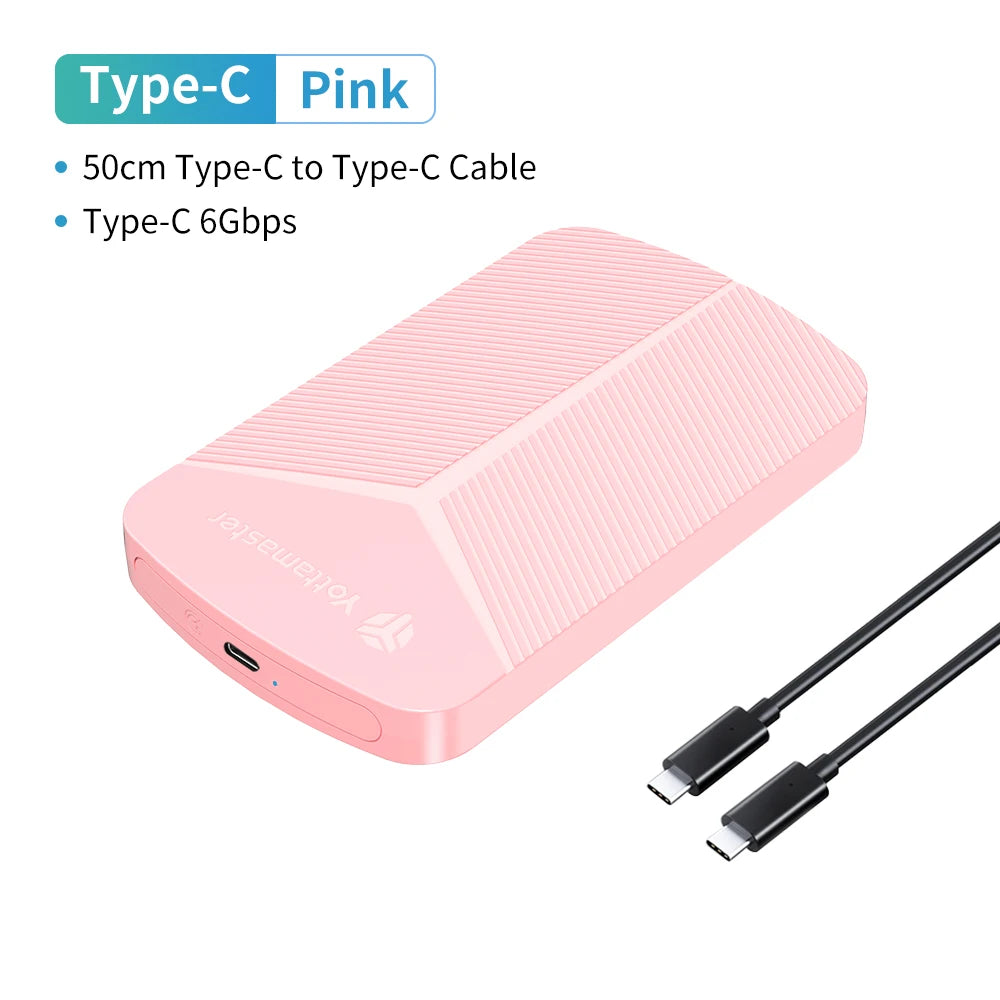
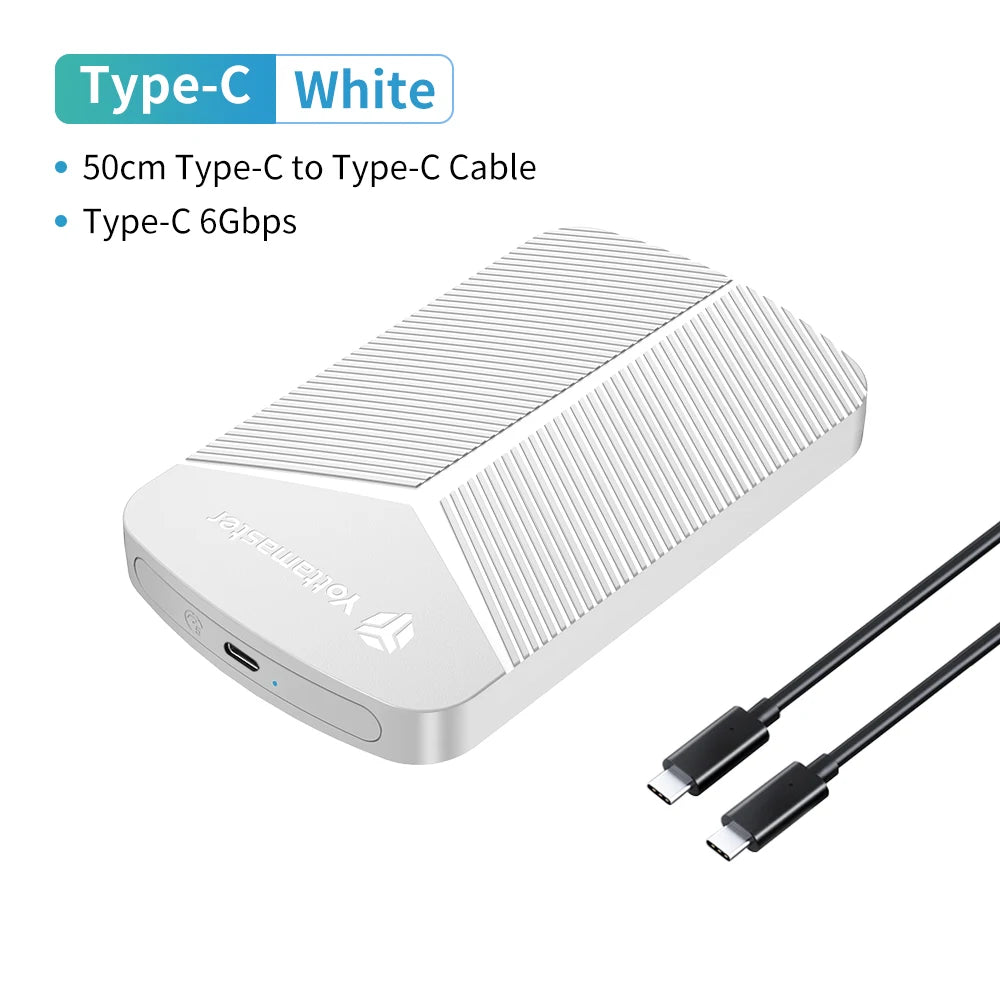
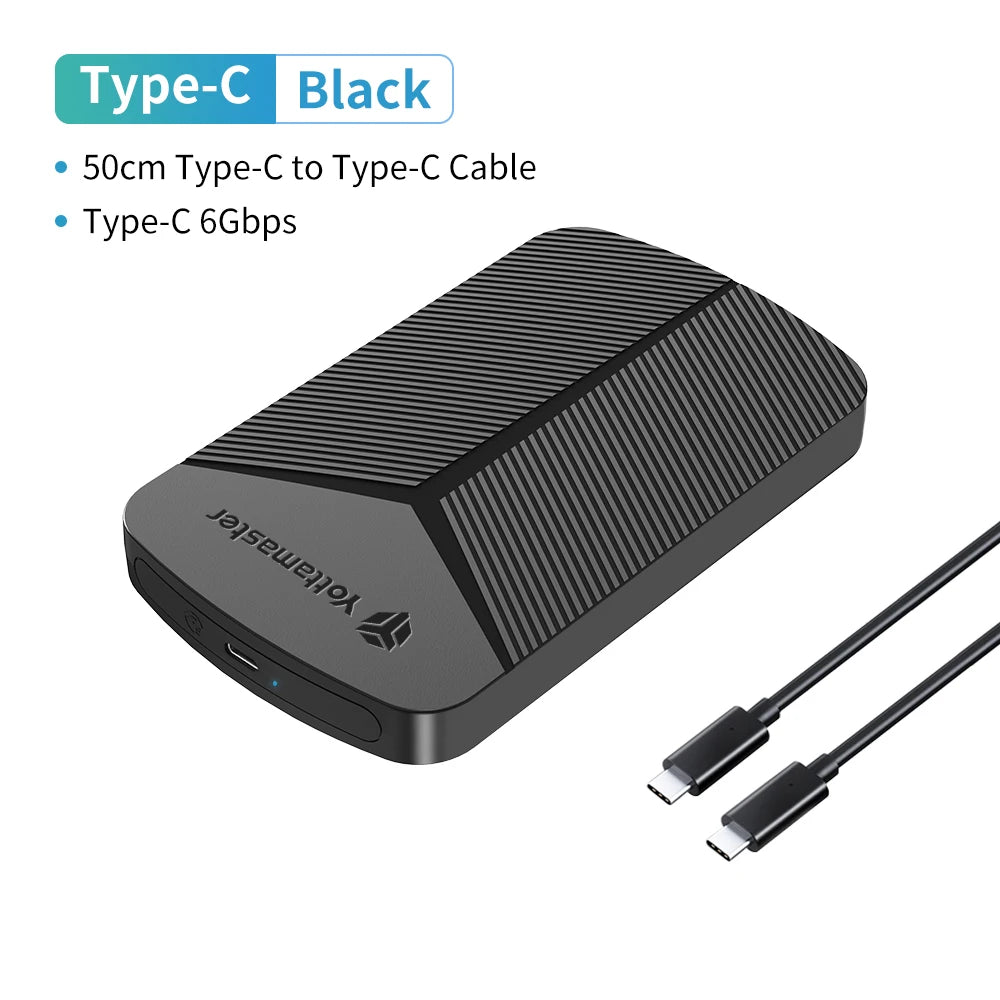
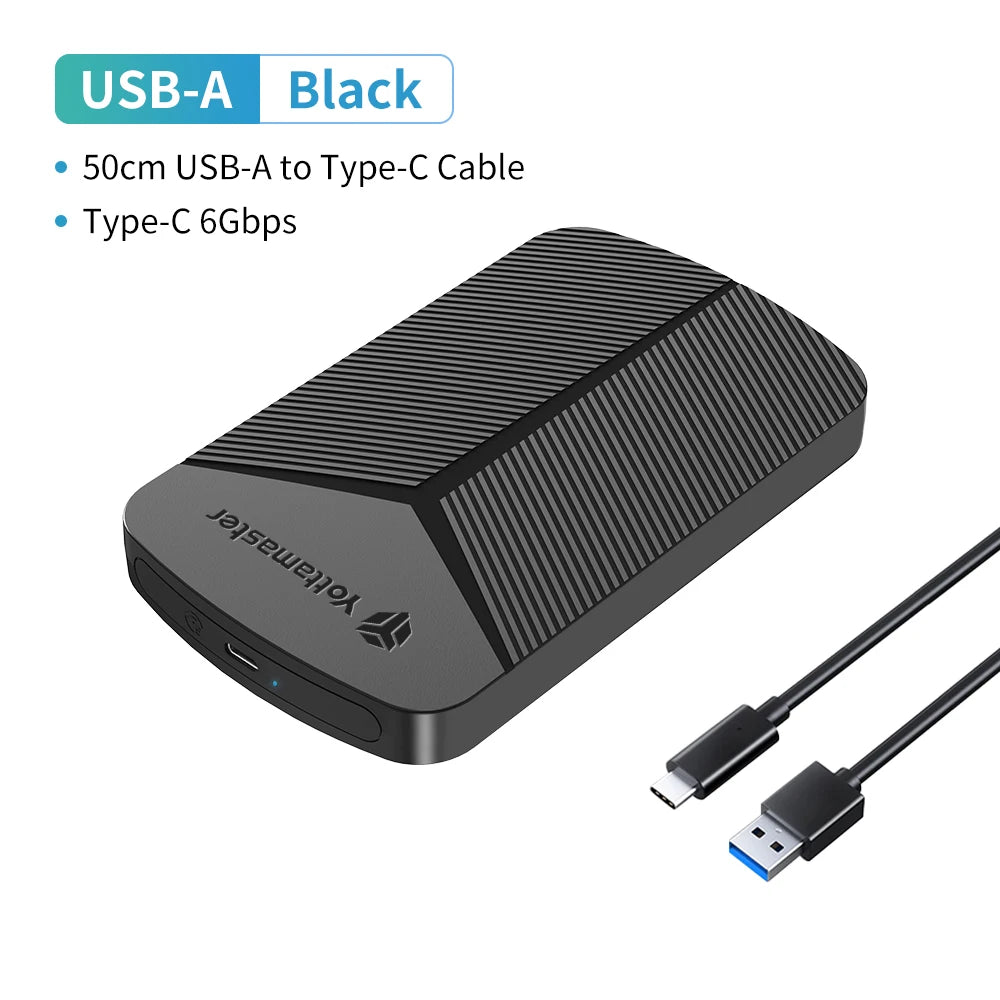
- Color Options: Black / White / Blue / Pink
- Dimensions (W×H×D): 132 × 80 × 15 mm (5.20 × 3.15 × 0.59 in)
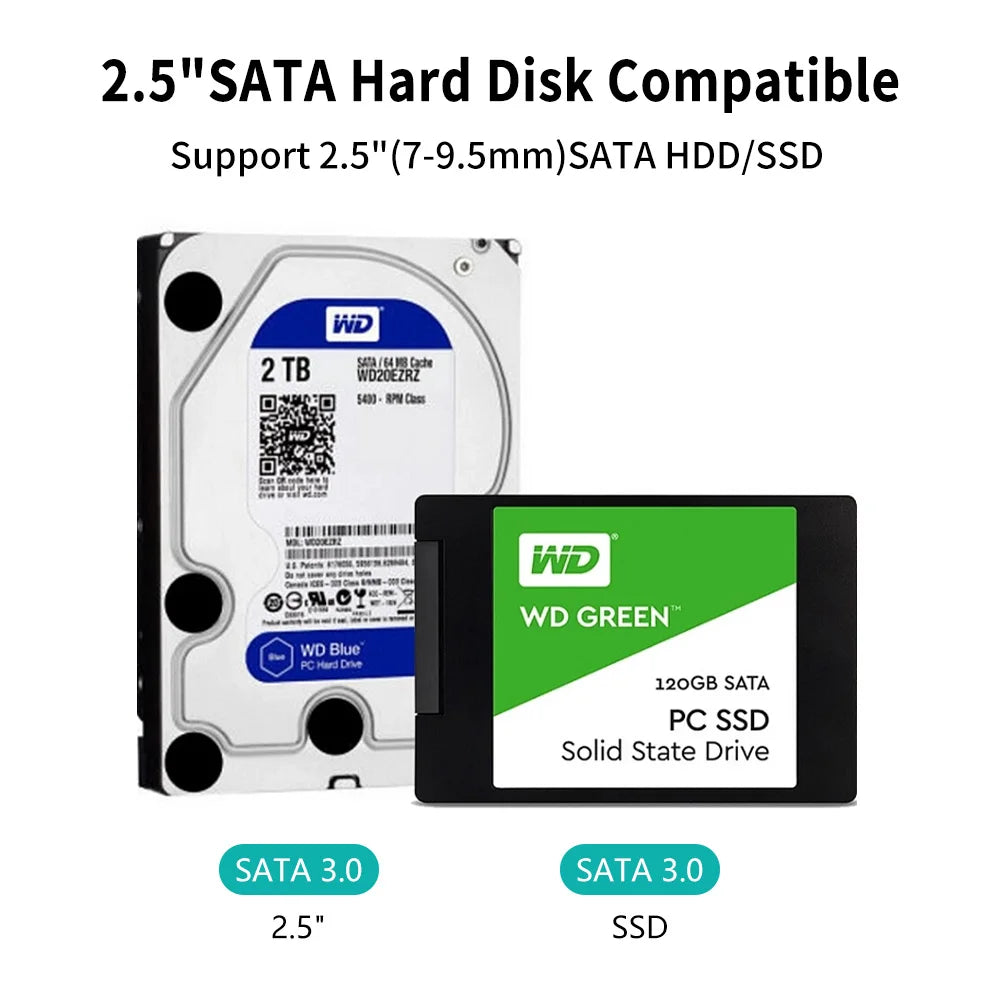
- Supported Drive Thickness: 7 – 9.5 mm (0.28 – 0.37 in)
- Supported Drive Type: 2.5" SATA HDD / SSD
- Supported Capacity: Up to 6TB (SSD tested up to 4TB)
- Internal Interface: SATA (Serial ATA)
- External / Transmission Interface: USB 3.0 Micro-B (Type-C variants available)
- Transmission Speed: Up to 5 Gbps (USB 3.0 Micro-B); Type-C variants support up to 6 Gbps
- Protocol Support: UASP, TRIM
- Included Cable: Micro-B to USB-A (40 cm / 15.7 in) or USB-A to Type-C (50 cm / 19.7 in) or USB-C to USB-C (50 cm / 19.7 in) depending on variant
- Supported Systems: Windows / Mac OS / Linux / Android
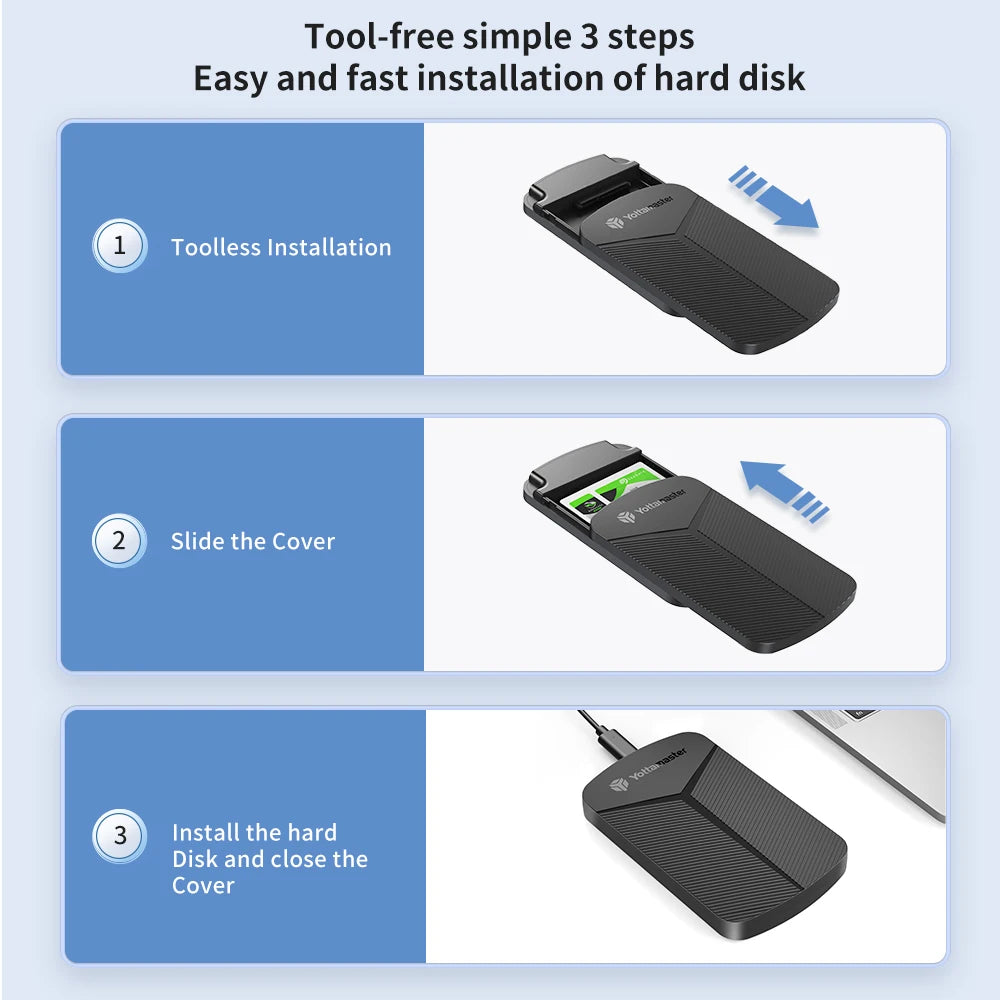
- Installation: Tool-free 3-step installation — slide cover, insert drive, close cover
- Protection Features: Anti-shock sponge cushion + ABS cushion structure, anti-throw design
- Package Includes: Enclosure, data cable (type varies by variant), user guide (where applicable)
Overview: Easy-to-use, portable external enclosure ideal for migrating data, expanding laptop storage, creating backups or accessing drives for recovery. High-speed UASP support and TRIM optimization improve SSD performance while tool-free setup makes installation quick for home or professional use.
Hashtags: #HDDEnclosure #USB3 #FanzyMarket
Safety Notes:
Electronic device: use the supplied or compatible USB cables and power sources. Avoid exposure to moisture, extreme temperatures, and impacts. Do not disassemble the enclosure; opening it may void warranty and cause damage. Keep small parts away from children. Disconnect before cleaning and handle drives with care to prevent data loss.